CV Examples
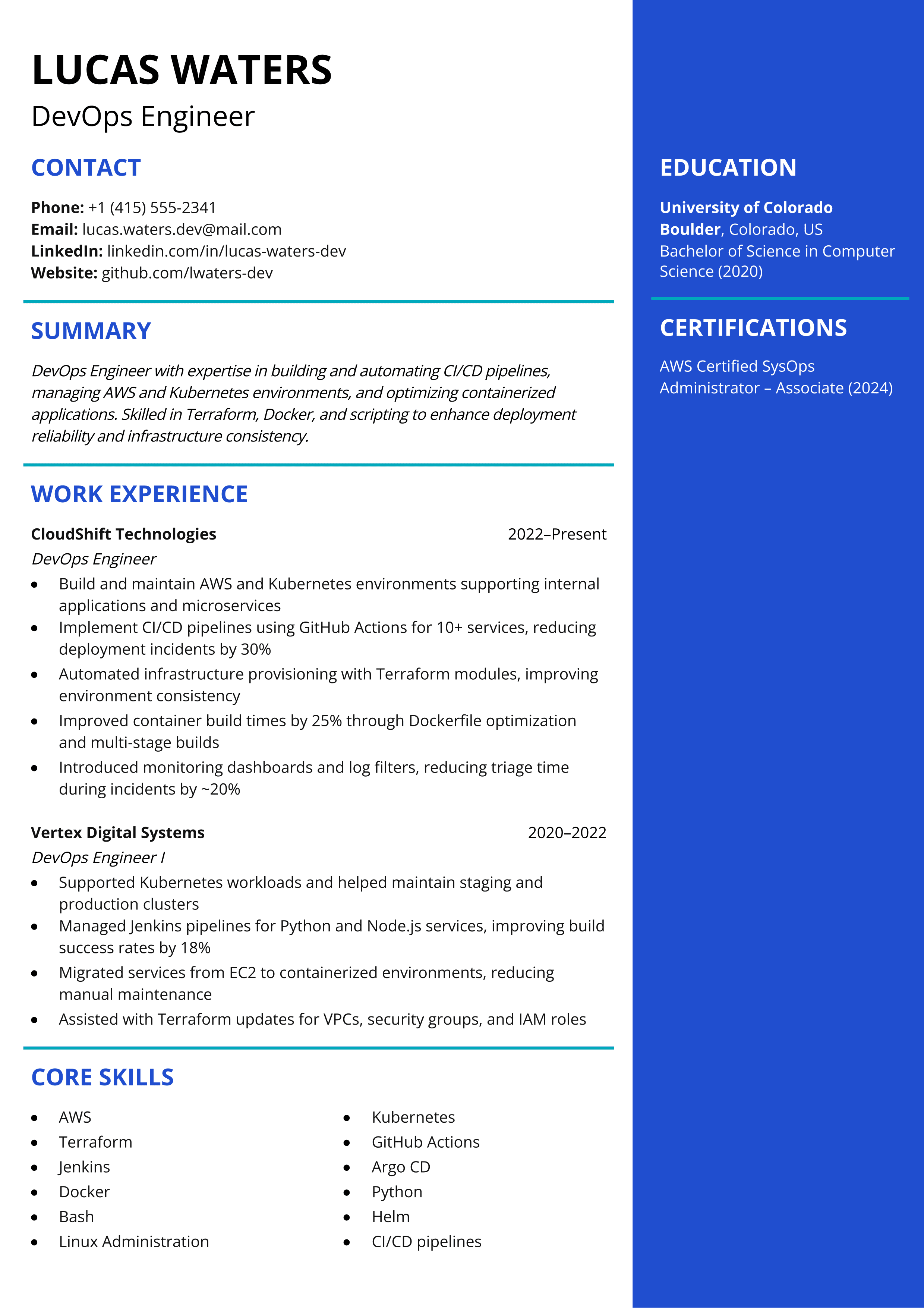
DevOps Engineer
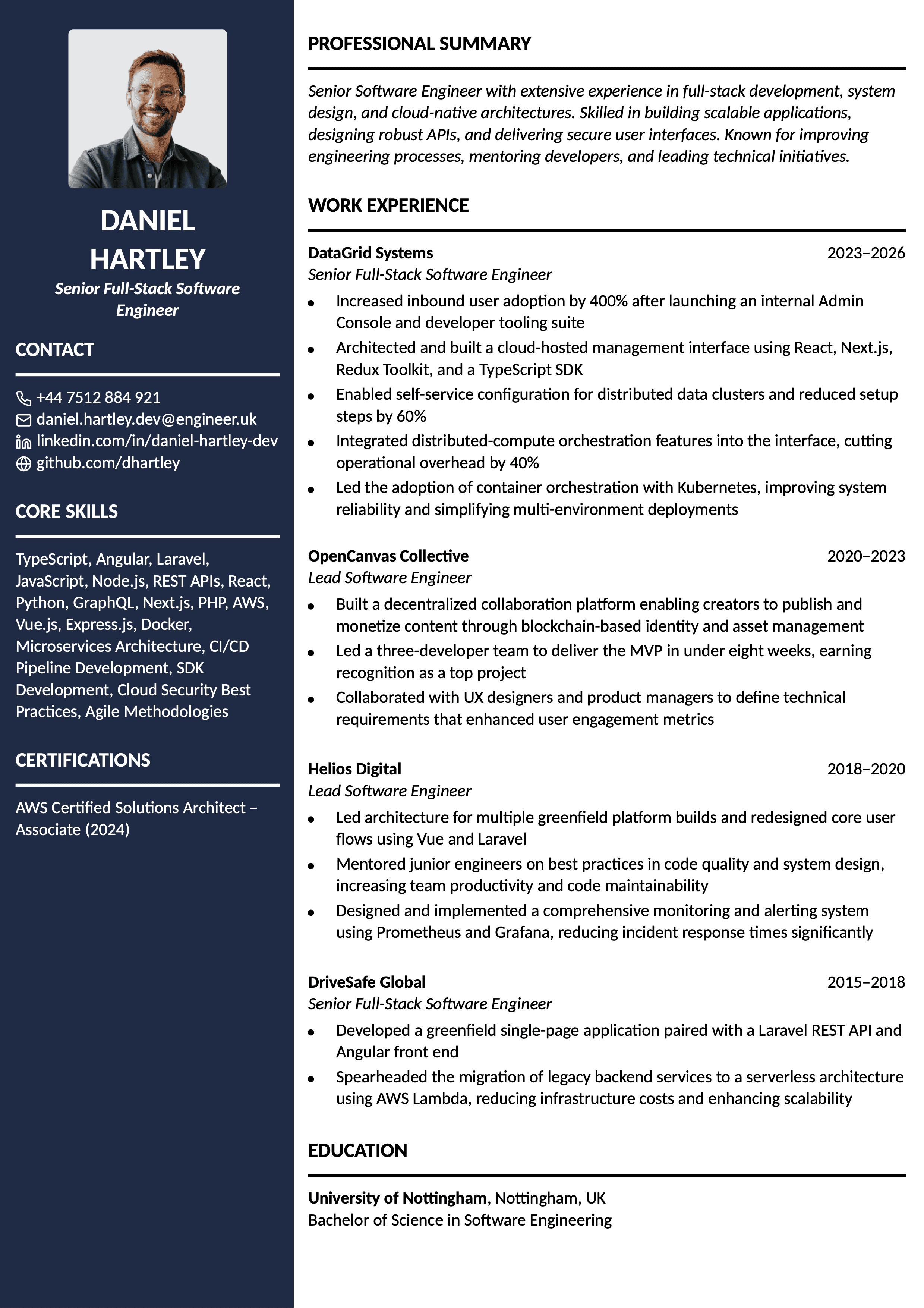
Senior Software Engineer
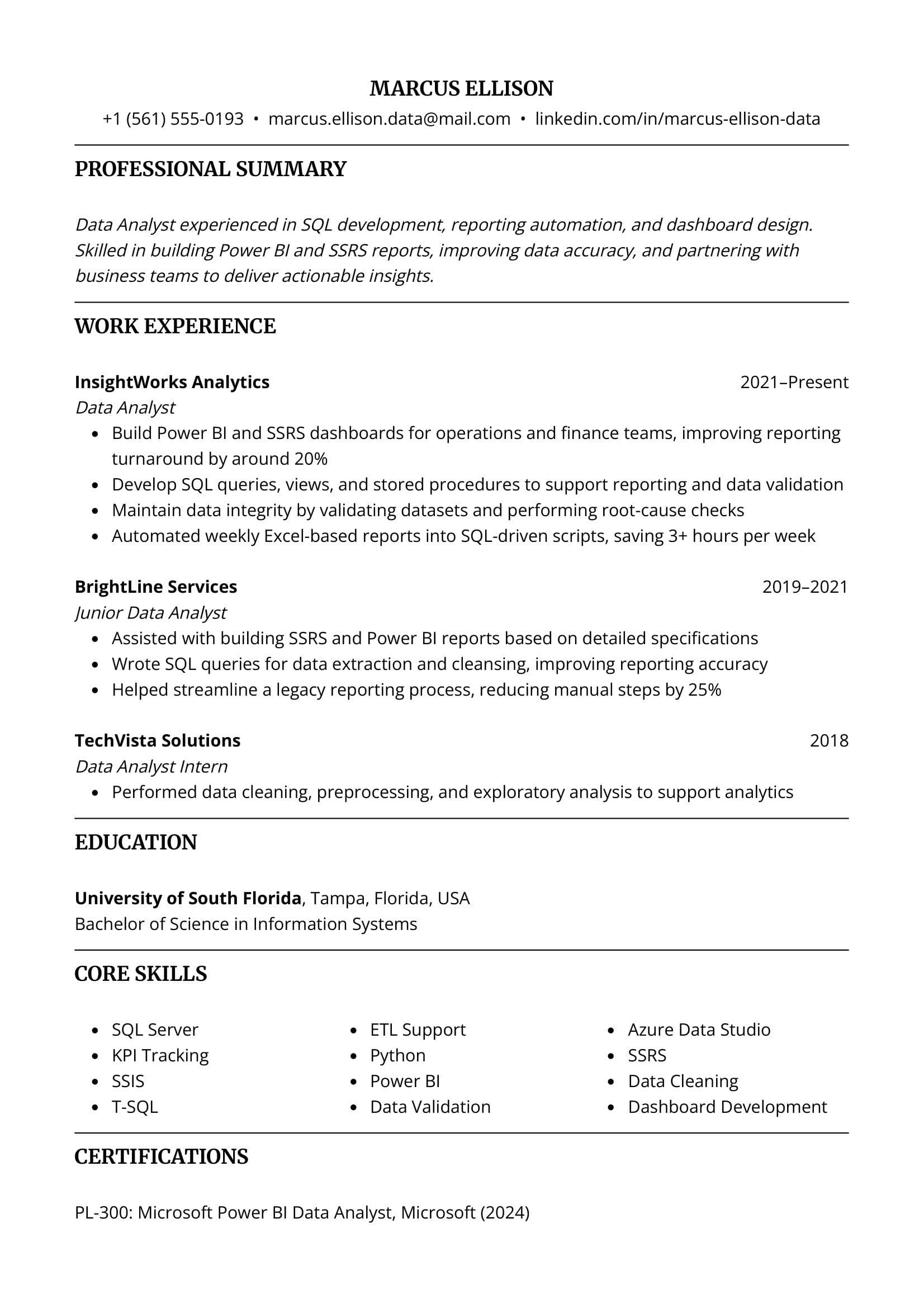
Data Analyst
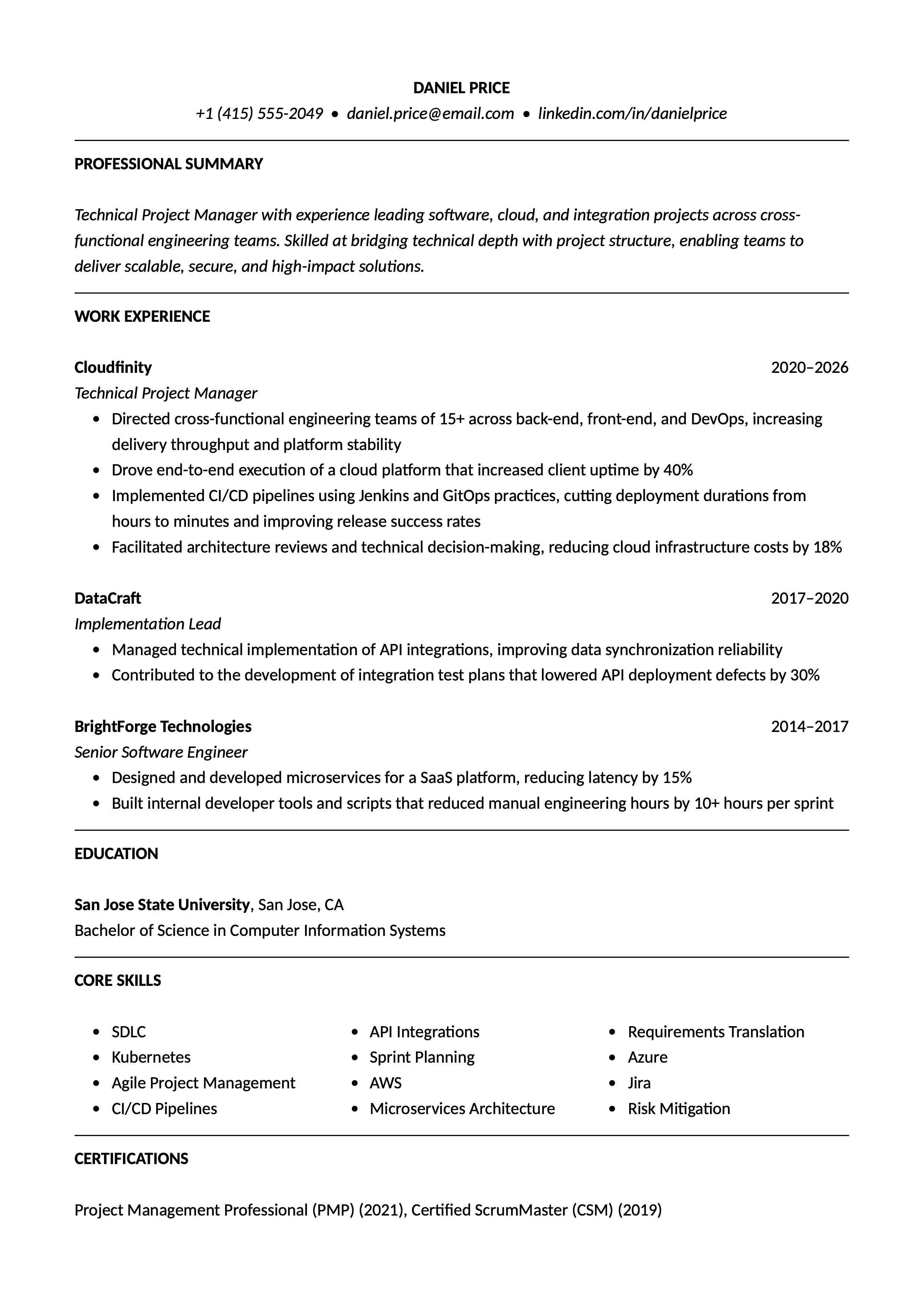
Technical Project Manager
Start Your CV Now
Use our AI CV writer to craft a professional CV that helps you land a job.
DevOps Engineer
Senior Software Engineer
Data Analyst
Technical Project Manager
Start Your CV Now
Use our AI CV writer to craft a professional CV that helps you land a job.
What Makes a Strong IT CV
All strong IT CV examples follow the same structure and share one purpose: showing your technical skills and the business results you achieved by applying them. Depending on the specific IT role, recruiters and hiring managers want to see your experience with software development, cloud platforms, databases, system architecture, DevOps practices, or data analysis.
Whether you're a software engineer, technical project manager, data analyst, web developer, or a DevOps engineer, we recommend that you start with an effective professional summary, make your skills clearly visible, and describe your past jobs by showcasing measurable achievements.
In the sections below, you'll find detailed descriptions of how to write each part of your IT CV, which skills and keywords to include, and what mistakes to avoid when writing your CV, which all IT professionals should keep in mind.
Writing a Summary for IT CVs
The professional summary is the first section you'll see in our IT CV examples, right after the contact information. The purpose of the professional summary is to briefly introduce your background as an IT professional, highlighting your skills and the most important achievements in your career.
You should clearly state your area of expertise, whether it's working with cloud platforms, databases, or system architecture, as well as the most important technologies you're proficient with, such as AWS, Azure, SQL, Docker, Git, and REST APIs. You don't need to be very detailed: it's a short paragraph summarising your strongest qualities.
Skills to Include in an IT CV
Having a curated list of your strongest skills is particularly important for IT CVs, as your technical competencies matter a lot. You don't have to add every tool you've ever used, but only the most relevant ones for the job.
As you can see in our CV examples for IT professionals, it's not enough to list your most important skills in the skills section. Instead, you should weave them into your work experience descriptions by explaining how you used them and what you achieved with them. Below, you can find some examples of skills most frequently found in IT CVs.
- Software Development
- Cloud Computing
- System Design
- API Development
- Database Management
- Agile Methodologies
- CI/CD Pipelines
- Data Analysis
- Troubleshooting
- Cross-functional Collaboration
Keyword Examples for IT CVs
Many companies in the IT industry use applicant tracking systems (ATS) in their hiring processes. ATS scanners serve as the first filters in the candidate selection and are configured to search for specific keywords. Usually, they overlap with the skills required for the job, so including as many as possible will strengthen your chances of passing the ATS and reaching the recruiter.
Our keyword examples for IT CVs highlight the most frequently used keywords across IT roles. The best strategy is to read the job description carefully, as it outlines all the requirements the ATS will search for.
- AWS
- Azure
- SQL
- Python
- Java
- Docker
- Kubernetes
- Git
- Jira
- REST APIs
IT CV Optimisation for ATS
We've already mentioned the importance of optimising your IT CV for ATS in the section on keywords. However, including the most important keywords is not enough to get you past the ATS. We say our IT CV examples and Toptal Resume's templates are ATS-friendly, but what does that mean?
It means an ATS can easily read the document and parse and organise its information correctly. To achieve that, avoid complex visual elements such as tables, text boxes, and graphics. Also, you should use standard section headings and consistent formatting.
IT CV Design and Formatting
Organising an IT CV is specific, as in many engineering and technical roles, it's common to see skills placed near the top. Of course, you can use a more traditional layout, but always keep your stack visible.
When it comes to formatting your work experience, the so-called reverse-chronological CV format is always a safe option. Regarding the design aspects of your IT CV, using some colours and visual elements is acceptable, as long as the document structure remains clean and the focus remains on your content.
Common Mistakes in IT CVs
- Focusing only on your technical skills, without mentioning the business outcomes of your work.
- Listing every tool you've ever used, instead of focusing on your strongest and most relevant skills for the job.
- Failing to showcase measurable results in your work experience descriptions, such as process improvements or cost savings.
- Not tailoring your IT CV for each application by adapting it to the job description and requirements.
- Leaving out your non-technical skills, including collaboration, documentation, or communication, which are essential for most IT roles.
Frequently Asked Questions
IT CVs are typically one or two pages long, depending on the role and seniority. For example, a junior front-end developer should stick to a one-page CV, whereas a senior technical project manager with many job entries can have a two-page CV.