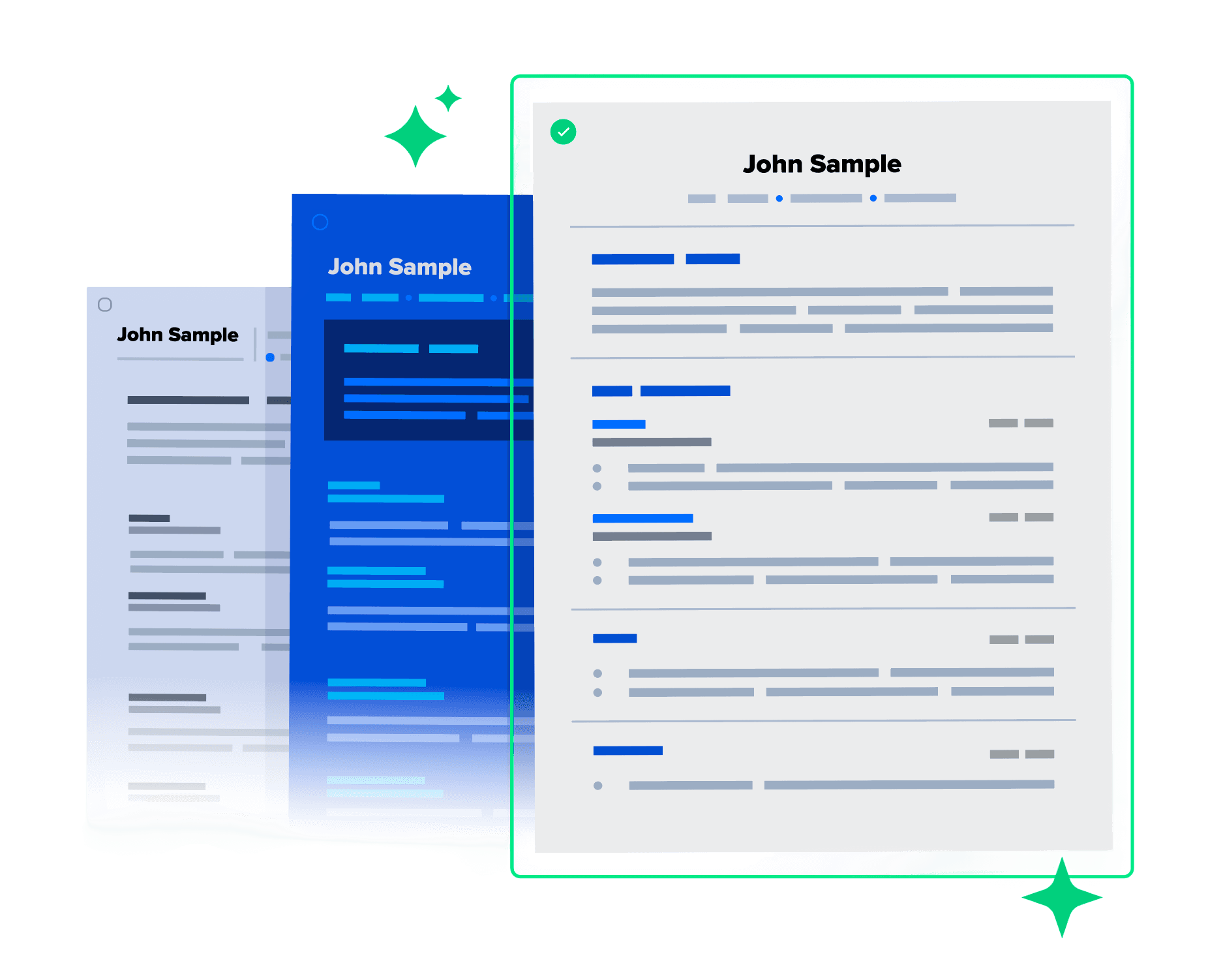
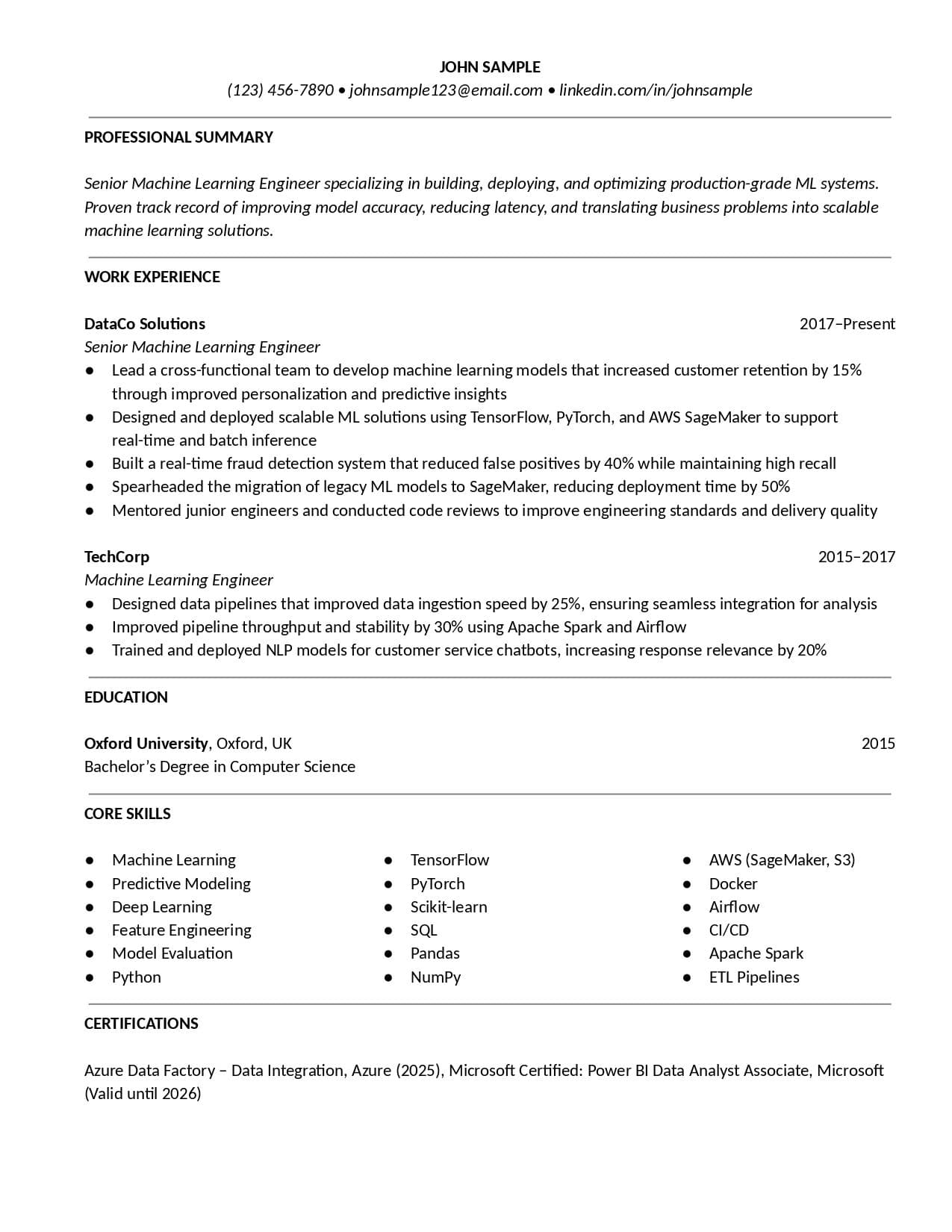
ATS-friendly
Modern Professional
Get the professional touch with a template that highlights your achievements.
Download CV templates in DOCX format that you can easily edit in Microsoft Word. Our professional layouts give you a solid structure, so you can focus on adding content.
Clients rate Toptal
4.9 out of 5
Expert Guide
Choose from a variety of customisable Word CV formats. Expertly designed solutions to adapt as DOCX files.
ATS-friendly
Get the professional touch with a template that highlights your achievements.
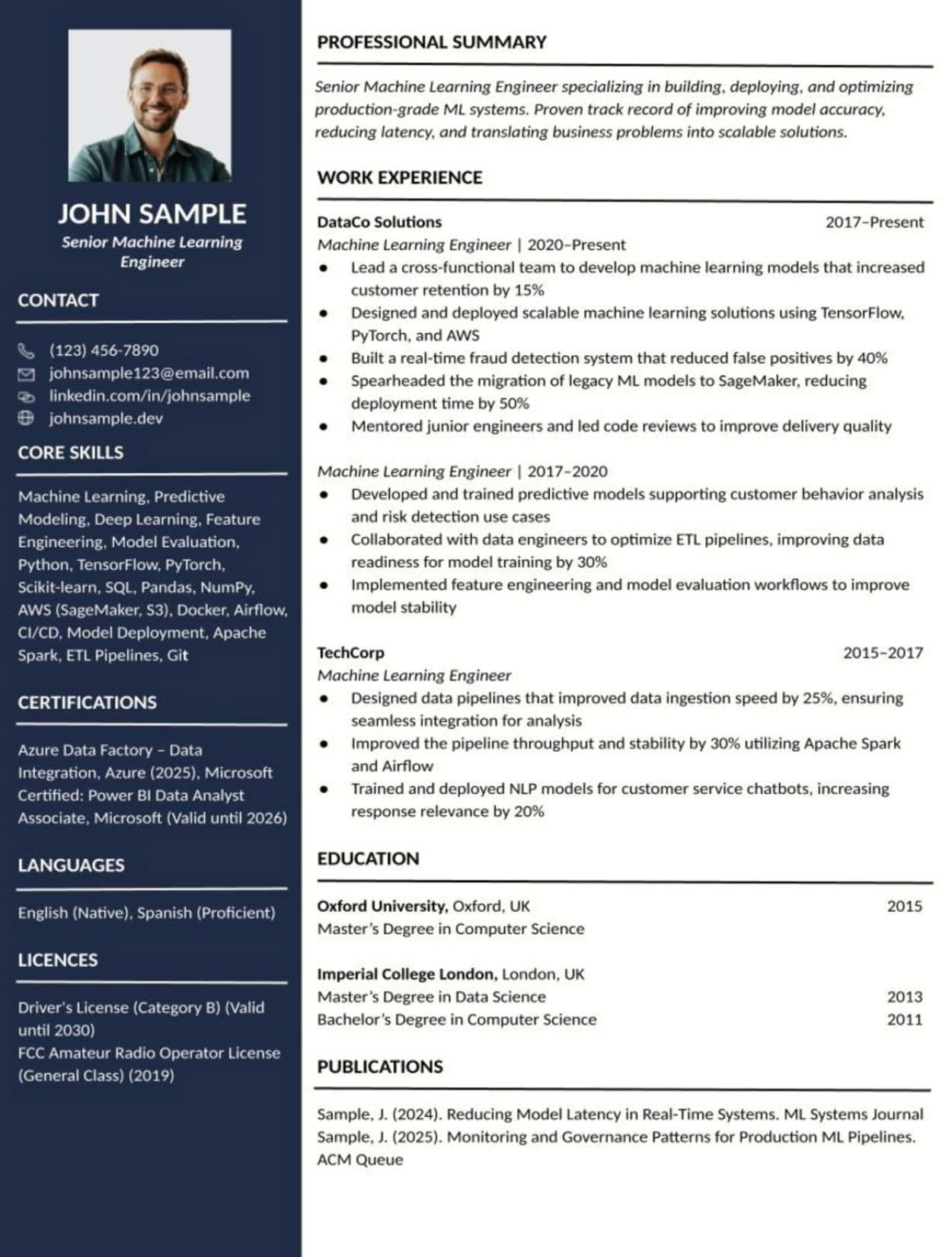
ATS-friendly
Two-column layout with high contrast makes photo, skills, and certifications stand out.
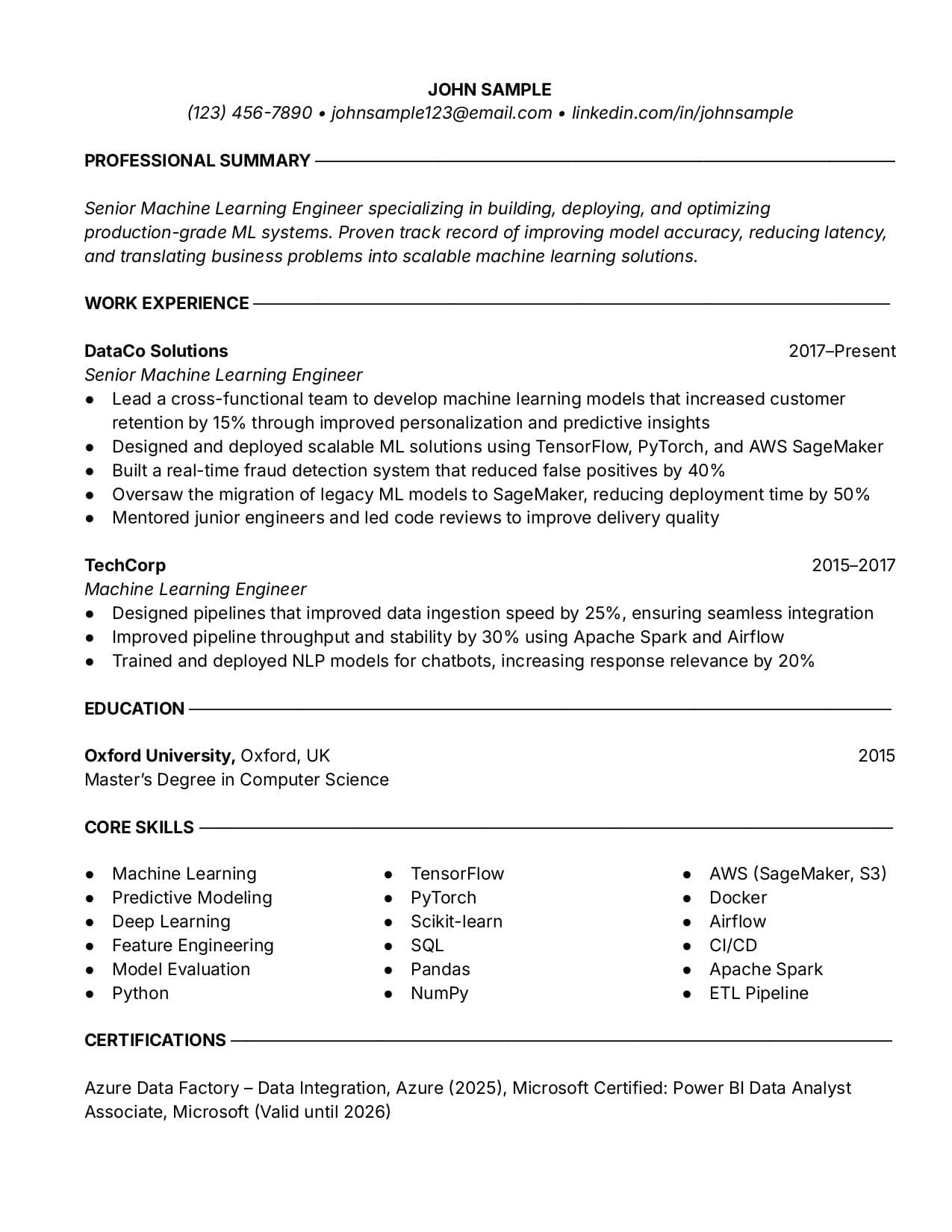
ATS-friendly
A great look if you want a touch of sophistication.
Use our CV creator to craft a professional CV that helps you land a job.
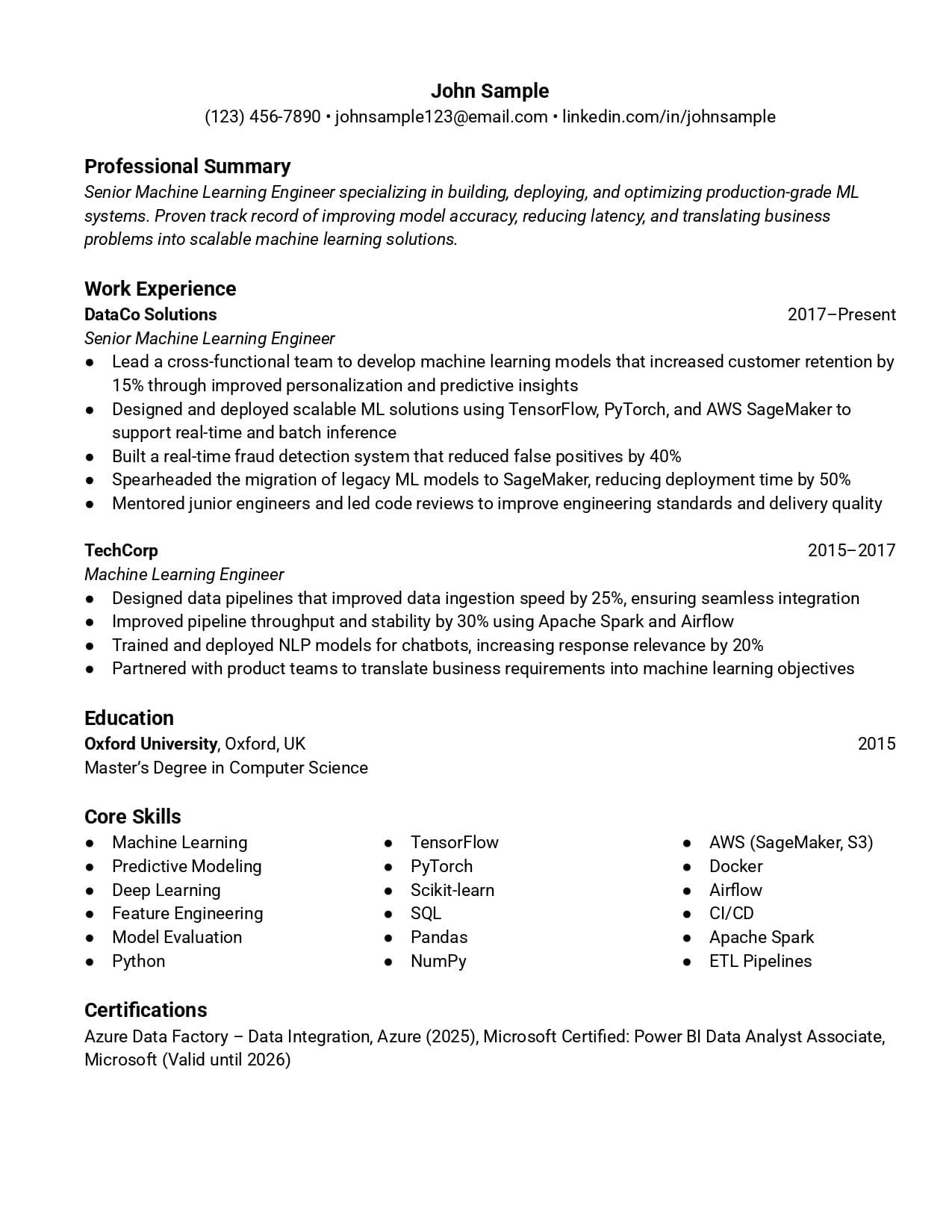
ATS-friendly
Clean lines and simple sections make your info easy to scan and read.
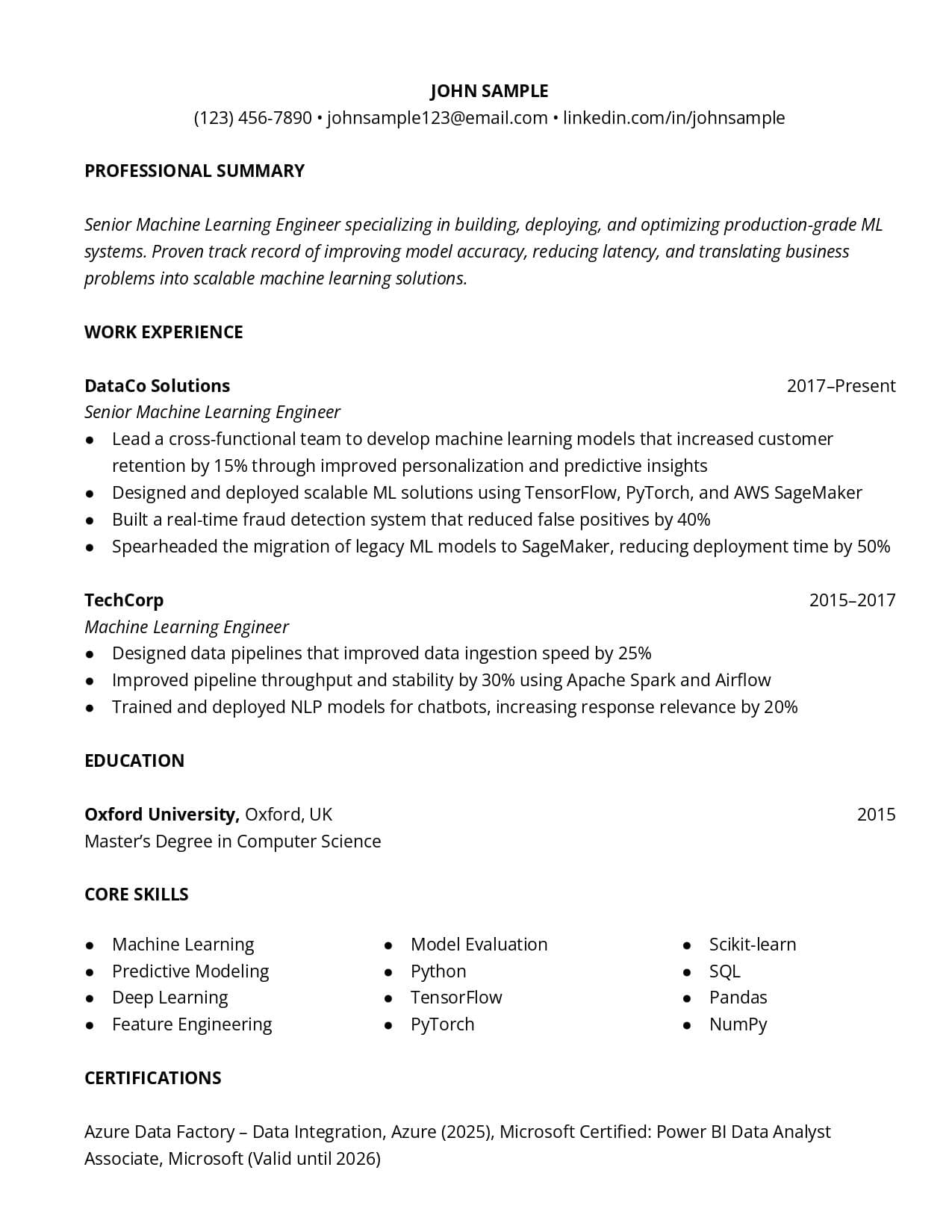
ATS-friendly
Modern CV template with minimalist, clean formatting.
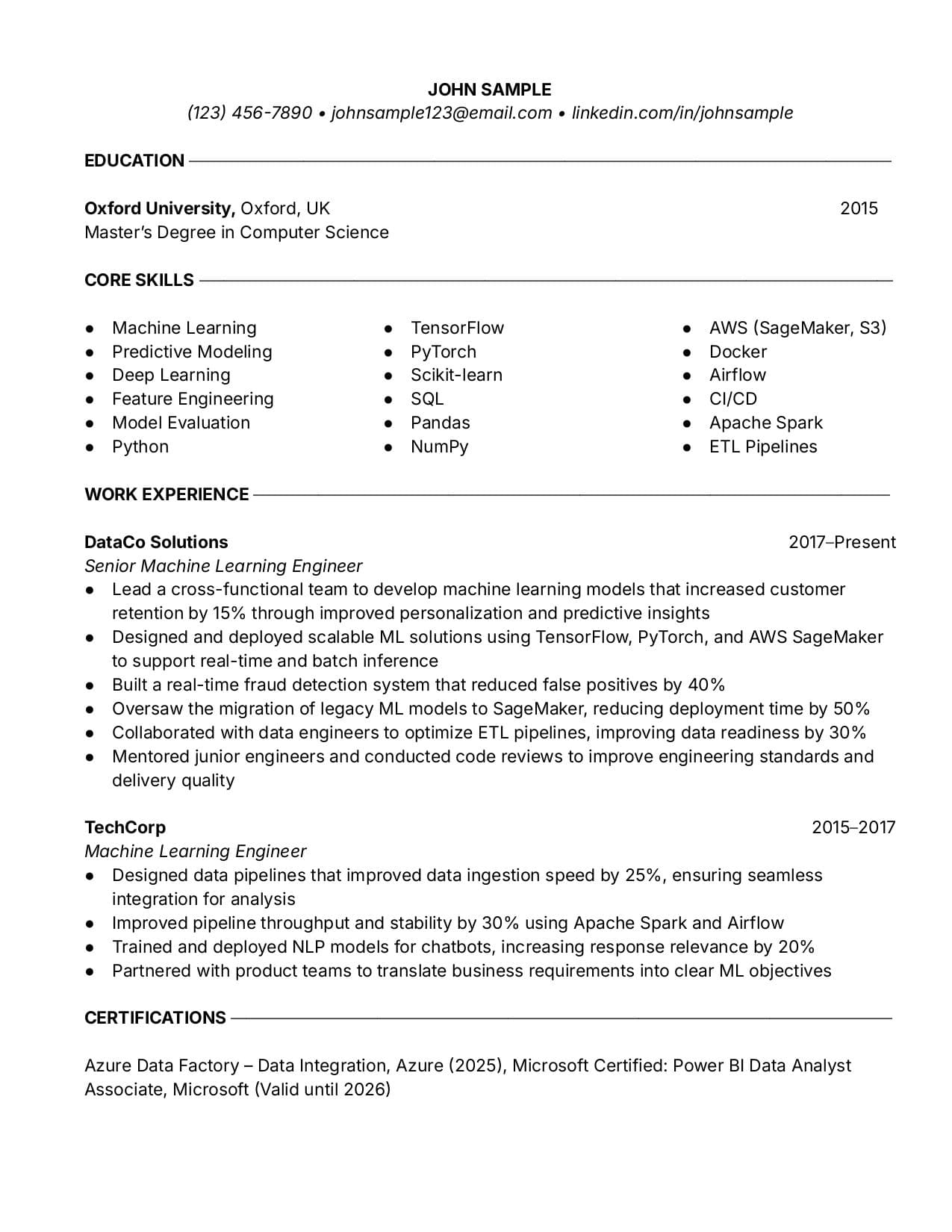
ATS-friendly
Go with a classic look for an early career CV. It will stand out from other CVs.
Use our CV creator to craft a professional CV that helps you land a job.
ATS-friendly
Get the professional touch with a template that highlights your achievements.
ATS-friendly
Two-column layout with high contrast makes photo, skills, and certifications stand out.
ATS-friendly
A great look if you want a touch of sophistication.
ATS-friendly
Clean lines and simple sections make your info easy to scan and read.
ATS-friendly
Modern CV template with minimalist, clean formatting.
Use our CV creator to craft a professional CV that helps you land a job.
ATS-friendly
Go with a classic look for an early career CV. It will stand out from other CVs.
Related Categories
See how Toptal CV templates helped people land interviews at top companies
Toptal CV transformed my job search. As a JavaScript developer, I needed a CV that highlighted my expertise with React and Node.js. They crafted the perfect CV, and I quickly landed interviews with top tech companies. Highly recommend!
Alejandro Hernandez
JavaScript Developer
I needed a CV that showcased my specific expertise as a software engineer. Thanks to Toptal CV, I was interviewing at top companies within a few weeks. I highly recommend Toptal CV. The service is professional, tailored, and absolutely gets results.
Laureano Martin Arcanio
Software Engineer
I have already started my new job, which I love and which pays roughly 50% more than my last job. During my job search, the CV was so good, and my applications were so deliberate that I was hitting about a 100% conversion rate to round 1 interviews. The CV definitely helped a lot. It's pure gold!
Brandon Teer
Director of IT
The CV looks great! I really appreciate how you've streamlined the content, highlighted the right things, and made it feel polished. Everything's super helpful, and I feel a lot more confident going into applications now.
Karthikeyan Iyer
Senior Front-end Developer
This was my first time trying a CV service, and I'm so glad I gave it a shot. Not only did the process exceed my expectations, but it also made me more excited and confident about my future job search. I can already tell this CV will open doors for me.
Carlos Craig
React Native Engineer
I used the CV provided by you guys for my job search. I only improved the intro a bit. I was able to get more than 10 interviews from 60 applications and get offers from 6 companies. I stopped my pending interviews and accepted an offer from Robinhood a month ago.
Moges Tesfay Yohannes
Senior Android Developer
Toptal CV transformed my job search. As a JavaScript developer, I needed a CV that highlighted my expertise with React and Node.js. They crafted the perfect CV, and I quickly landed interviews with top tech companies. Highly recommend!
Alejandro Hernandez
JavaScript Developer
I needed a CV that showcased my specific expertise as a software engineer. Thanks to Toptal CV, I was interviewing at top companies within a few weeks. I highly recommend Toptal CV. The service is professional, tailored, and absolutely gets results.
Laureano Martin Arcanio
Software Engineer
I have already started my new job, which I love and which pays roughly 50% more than my last job. During my job search, the CV was so good, and my applications were so deliberate that I was hitting about a 100% conversion rate to round 1 interviews. The CV definitely helped a lot. It's pure gold!
Brandon Teer
Director of IT
The CV looks great! I really appreciate how you've streamlined the content, highlighted the right things, and made it feel polished. Everything's super helpful, and I feel a lot more confident going into applications now.
Karthikeyan Iyer
Senior Front-end Developer
This was my first time trying a CV service, and I'm so glad I gave it a shot. Not only did the process exceed my expectations, but it also made me more excited and confident about my future job search. I can already tell this CV will open doors for me.
Carlos Craig
React Native Engineer
I used the CV provided by you guys for my job search. I only improved the intro a bit. I was able to get more than 10 interviews from 60 applications and get offers from 6 companies. I stopped my pending interviews and accepted an offer from Robinhood a month ago.
Moges Tesfay Yohannes
Senior Android Developer
Part 1
A Word CV template is a CV file you edit directly in Microsoft Word, using a ready-made layout instead of building everything yourself. It’s typically saved as a DOCX file, which means you can open it in Microsoft Office or Office 365 and start customising it right away.
What makes this format practical is how familiar it feels. You can easily adjust sections, update formatting, and use tools like spell checker or track changes without learning new software. It’s a great fit for job seekers who prefer working in Word or need an editable format. DOCX files are also highly compatible with applicant tracking systems (ATS). This helps ensure your CV is processed accurately without formatting issues.
Part 2
Part 3
Part 4
Go through each section in your DOCX file and replace the placeholder text with your own details. Once you open it in Microsoft Word, the formatting is already set, so you can just type and see how everything fits right away.
The template already comes with Word formatting in place. Try not to change fonts or spacing manually, as it can throw things off. If you need to adjust something, update the style once instead of fixing it in multiple places.
Always keep a Word version of your CV so you can come back and edit it later. When you’re ready to apply, check the job posting to see what format is required. If none is specified, use a DOCX file since it’s the safest option for ATS scans. Choose a PDF if you want to lock in the layout and make sure it looks the same when someone else opens it.
Part 5
It’s easy to overdo formatting in Word. Stick to one font, consistent spacing, and standard headings. Avoid niche or custom fonts, as they often get replaced on other devices and can impact your layout without you noticing.
What looks fine on your screen can look very different on someone else’s. Open your file on another computer or in Word Online before sending it to catch spacing, font, or alignment issues early.
Before sending your CV, turn off the Track Changes option and save a final version without any comments or edits showing. It’s a small step, but it makes a big difference. Files with visible edits can look unfinished and don’t always display properly across different versions of Microsoft Word.
Always check the job posting and choose the format listed there. If the file format isn't specified, DOCX is usually the better option. It’s the most reliable format for passing ATS scans. It also works well with your Microsoft Word CV template since it's editable and easy to update. Choose a PDF format if you want to keep your layout exactly as designed.
Explore more template categories that complement your search.
According to our industry experts, our customers have a 67% higher chance of getting hired and a 77% higher response rate from hiring managers.