AI Resume Builder: How to Create a Better Resume With AI
AI can draft and improve every section of your resume, but the facts, accuracy checks, and final edits always need to come from you.

AUTHOR
Borislav Stojkov
Principal Resume Writer
Borislav Stojkov is a Principal Resume Writer at Toptal Resume. His professional track record includes personally reviewing and rewriting more than 2,000 resumes for professionals across industries. In his direct work with clients and the development of AI-based resume-writing services, he focuses on ATS-optimized structure, modern template design, and recruiter-aligned writing and formatting standards.
AI can be very helpful in resume writing, especially for organizing and phrasing content, but the facts always come from the candidate, and they shouldn't completely rely on an AI resume writer. An AI-generated resume that hasn't been reviewed and edited by a human tends to read as generic, which signals low effort. Using AI can significantly speed up the process and make it easier, producing faster drafts and helping with phrasing and tailoring, and this guide will explain how to use it properly. Finally, resume writing with AI can take different forms: candidates can use general AI tools or specialized AI resume builders to write their resumes, and we'll show how it works in practice.
What an AI Resume Builder Can and Cannot Do
To help you use AI for resume writing, the table below covers all the tasks where AI is really helpful, along with the recommendations on what to watch for and what to keep, modify, or remove from its output.
| AI Writing Task | Helpful Use | Weak or Misleading Output | What to Check |
|---|---|---|---|
| Professional summary | Organizes your experience into a concise, targeted introduction | Generic superlatives, such as “visionary leader,” without concrete support | Remove empty phrases and keep the target role, real scope, and two or three relevant strengths (skills) |
| Experience bullets | Rewrites facts and notes into clear achievement-based statements | Invented results, percentages, or ownership claims | Check if every number and outcome matches your experience and remove unsupported claims |
| Job tailoring | Identifies relevant achievements and skills from your background | Including every phrase from the posting and tools you never used | Keep only verified, relevant skills and achievements |
| Skills and keywords | Suggests ways to effectively present your skills | Adding tools, competencies, or certifications based on the job description and not your experience | Require evidence for each skill; do not fill gaps by guessing |
| ATS and export review | Reviews your document to verify clear headings, formatting, and readable text | Claiming ATS guarantees or a universal pass score | Review the final file and keep in mind that no tool can guarantee hiring outcomes |
An AI resume builder can help at each step of resume writing, but checking the accuracy is always the candidate's job.
How to Build a Resume With AI in Six Steps
As mentioned above, you can use AI for resume writing in different ways, depending on whether it's a general tool or a specialized AI resume writing service. The guide below will show you how to use an AI resume builder most effectively.
Step 1: Gather All Your Notes and Facts
Before opening an AI resume builder, gather all the achievements and responsibilities from your past jobs that you can think of in one place. The quality of the AI output always depends on the input you feed it. Also, your notes can help you keep track of your experience and the tool's inventions.
Step 2: Upload Your Initial Draft
Most AI resume builders will first analyze and parse your existing document to create the initial version of your AI-generated resume. Some resume builders, like Toptal's AI resume builder, offer an additional path: you can start from scratch and go section by section, and it gives you content suggestions based on the role title. In that case, use your notes to be sure which suggestions best match your experience.
Step 3: Use AI to Improve the Content Section by Section
Resume builders typically have a workflow that goes through the resume section by section: contact details, professional summary, work experience, skills, and so on. AI resume writers, like the one offered by Toptal Resume, provide two kinds of content editing: rewriting existing content and suggesting additional content tailored to your role.
If you're editing your resume with the help of a general AI tool, such as ChatGPT, instead of an AI resume builder, use prompts that will ensure the AI doesn't fabricate things and produce output based only on your facts. Here are some examples you can use:
- "Rewrite these notes as bullet points for my work experience section. Use only the facts provided, and don't add metrics, tools, or results that aren't in my notes: [paste your notes]."
- "Write a 2-3 sentence professional summary for a [target role] using only the information pasted below, and avoid words like 'passionate' or 'results-driven': [paste your notes]."
- "Compare my resume with this job description. List which of my existing skills match the role. Don't suggest skills I haven't listed."
Step 4: Review Every AI Suggestion
The goal of AI resume writing is to spare you the time to think and write yourself, but you should always read all the suggestions and rewrites carefully to ensure everything aligns with your background. Edit any specific achievement number that isn't accurate and include only the skills that you could defend in an interview.
Step 5: Choose a Template and Do a Final Check
Once your resume content is finalized, select a template that suits you best, download the PDF, and check that every part of the final draft serves to show you're a strong fit for the job you're applying for. AI resume builders typically include a gallery of resume templates you can choose from. As a final step, you can also use an ATS resume checker to compare your resume with the target job. Tools like Toptal Resume's ATS resume checker provide a thorough analysis of different aspects: keywords, achievements, formatting, language, job fit, and so on.
Step 6: Tailor Your Resume for Every Job Application
AI tools are very helpful in comparing your resume with a job description and offering suggestions to tailor it for a specific application. This step requires extra attention to avoid misleading inventions. Toptal Resume's AI resume builder includes an additional "Tailor to a Job" feature that lets you paste a job description and receive tailoring suggestions for each section. You're in control of which changes will be applied and which ones skipped.
AI Resume Before and After: A Complete Example
Scenario: A candidate is using AI to write their new resume. They are a client coordinator at a professional services company and are applying for an operations coordinator role. The responsibilities listed in the job description for the target role are: managing client accounts, tracking support tickets, and coordinating with the sales team on CRM records.
The table below shows how their original content looks (their input taken from either their notes/prompts or the original uploaded resume), what a weak AI output looks like, and the stronger, human-edited version as the final result.
| Raw Note | Weak AI-style Output | Human-reviewed Resume Bullet | Why the Edit Matters |
|---|---|---|---|
| “Prepared deadlines and issue updates every week for 12 clients” | “Led strategic initiatives for high-value clients and drove cross-functional success” | “Prepared weekly deadlines and issue updates for 12 client accounts” | Shows only the real scope of work, without inventing seniority, strategy ownership, or results |
| “Used Excel to track support tickets and update their status each day” | “Built automated analytics dashboards that transformed support operations” | “Tracked support tickets in Excel and updated case status daily” | Names the real tool and responsibility, and removes nonexistent automation and impact |
| “Worked with sales to keep CRM contact records current” | “Optimized CRM strategy and increased sales efficiency by 30%” | “Collaborated with the sales team to maintain accurate CRM contact records” | Keeps the real collaboration and removes an invented performance metric |
What AI often does, which is demonstrated in this example:
- Exaggerates the scope of their work ("12 client accounts" becomes "high-value clients")
- Invents results ("increased sales efficiency by 30%" comes from a note that mentions no metric), which can sometimes inspire true outcome-based bullets, but often is a hallucination
- Implies seniority that isn't backed by any evidence (here, "prepared weekly deadline and issue updates" became "led strategic initiatives")
Why the human review was important in this case:
- It removed fake or exaggerated numbers and presented the real scope of their work, which isn't misleading
- Uses a stronger verb where it's justified ("collaborated" instead of "worked with"), but doesn't invent outcomes
- Although it's an AI-generated resume, it reads as something the candidate can defend in an interview
"If an AI-generated bullet point describes something the candidate couldn't explain in a conversation or during an interview, it definitely needs editing. If you can't defend the result, remove it."
— Inge Miscevic, Principal Career Coach, Toptal Resume
Make AI-generated Resume Content Sound Like You
This chapter will teach you how to recognize the most common AI patterns and how to turn them into real, substantial content.
Pattern 1: Superlatives without support ("AI fluff")
One of the most recognizable AI patterns is adding many adjectives that don't tell the reader anything, such as "passionate," "dynamic," or "visionary." You should replace such words with specific claims.
Before: "Results-driven professional with a passion for..."
After: "Client coordinator with 8 years of experience managing..."
Pattern 2: Unspecific ownership language
If your original input says "contributed to," or "assisted with," AI will very likely transform it into "led" and "owned." If such claims don't actually fit your experience, remove them.
Before: "Led cross-functional initiatives to improve client satisfaction"
After: "Coordinated weekly status updates across account management and delivery teams for 12 client accounts"
Pattern 3: Invented metrics
Perhaps the most dangerous AI pattern is assuming what constitutes a good result and inventing very specific, quantified results of "your work." If such percentages or numbers inspire you to find and include your own, do that. Otherwise, use a real outcome.
Before: "Reduced resolution time by 40% through process optimization"
After: "Updated case status daily in Excel and escalated unresolved tickets to senior support"
How to Review an AI Resume for ATS and Accuracy
Whichever AI resume builder you might have used, always check the final result for accuracy and compliance with applicant tracking systems (ATS). Resume builders, as shown above, can make factual mistakes, and the ATS-compliance of the output has to be verified. Toptal’s AI resume builder uses resume templates developed by hiring professionals and tested with major ATS systems to ensure the content is parsed and organized correctly during the screening process.
Accuracy checks:
- Every number is real: All quantified claims in your resume must be true and verifiable.
- All the skills are yours: Include only the skills you could defend in a conversation with the hiring manager.
- Your job titles are exact: AI sometimes likes to "improve" them.
- Employment dates are correct: When organizing content, AI can make mistakes.
ATS checks:
- Copy-paste check: If the content you copy from your resume and paste into a plain text document remains logical and readable, you're good.
- Standard section headings: All the sections use standard titles, such as "Professional Summary," "Work Experience," "Skills," and "Education."
- Use an ATS score checker: Run your resume through Toptal Resume's ATS resume checker for a detailed assessment of its recruiter- and ATS-friendliness.
AI Resume Builder vs. ChatGPT
Both can be used when writing a resume using AI, but the process differs. Below is a breakdown of the tasks best performed by an AI resume writer and ChatGPT, along with when to use each.
The advantages of a dedicated AI resume builder:
- It's a guided process with built-in structure, and you don't have to start from a blank prompt.
- It comes with a collection of ATS-friendly resume templates.
- Tailoring features are incorporated into the same resume-writing flow.
- The resume is exported directly into a PDF file.
When using ChatGPT is useful:
- Rephrasing a specific bullet you're not happy with.
- Reviewing a draft you've already written for grammar and language.
- Mapping out the fit of your resume for a specific job posting.
The practical combination would be to use an AI resume builder for a faster, guided resume-writing process, and ChatGPT for specific tasks that offer more options. In each case, you should check the final result for accuracy.
Conclusion
AI resume builders are truly useful in helping you draft, format, and tailor your resume faster, especially if you don't have much experience with it. Although AI can never completely replace human judgment, the workflow described in this guide (gather facts, draft section by section, edit and tailor for each application, and review the output and final file) produces a well-written, accurate resume. If you're ready to start working on your resume, Toptal Resume's AI resume builder will guide you through every step, with a structured process and tailored content suggestions.
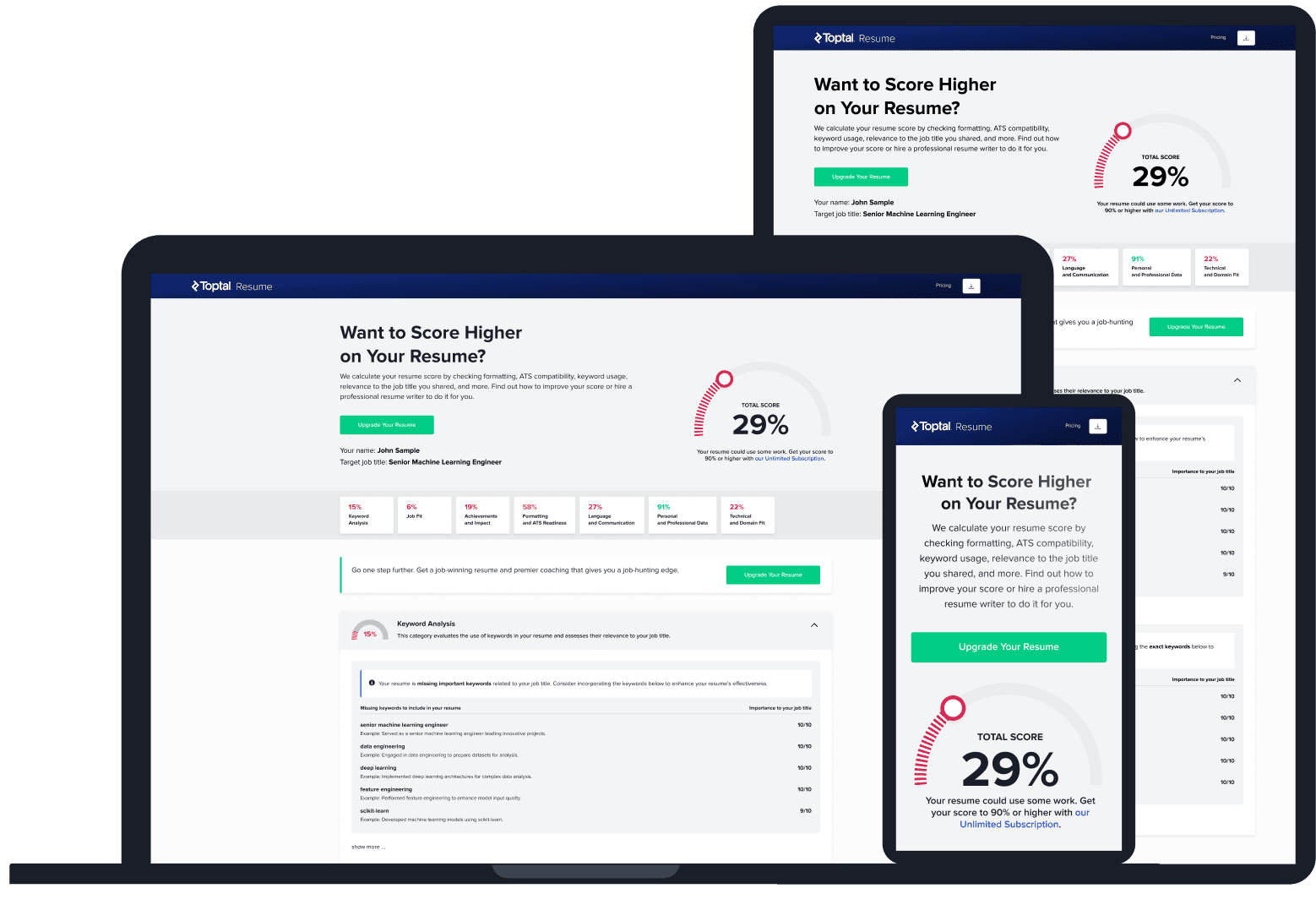
ATS Resume Score Checker
for Professional Roles
Upload your resume and tell us your target job title. Our system will analyze it the way a recruiter and ATS would—scoring it across core hiring dimensions and giving you personalized, role-specific feedback you can implement right away.
Read Next
Resume Tips
ATS-friendly Resumes: Formatting, Examples, and Common Mistakes
A resume that looks polished can still lose information when software reads it. Here’s how to spot the formatting problems and fix them.

By Borislav Stojkov
Principal Resume Writer
Borislav Stojkov is a Principal Resume Writer at Toptal Resume. His professional track record includes personally reviewing and rewriting more than 2,000 resumes for professionals across industries. In his direct work with clients and the development of AI-based resume-writing services, he focuses on ATS-optimized structure, modern template design, and recruiter-aligned writing and formatting standards.
Resume Tips
CV Formats Explained: Examples, Templates, and International Differences
CV format depends on where you’re applying and what type of role it is. Here’s how to identify the right document and adapt it for each context.
By Borislav Stojkov
Principal Resume Writer
Borislav Stojkov is a Principal Resume Writer at Toptal Resume. His professional track record includes personally reviewing and rewriting more than 2,000 resumes for professionals across industries. In his direct work with clients and the development of AI-based resume-writing services, he focuses on ATS-optimized structure, modern template design, and recruiter-aligned writing and formatting standards.
Resume Tips
Resume Examples: What Makes a Great Resume?
A resume example is most useful when you understand why specific choices were made. Here’s what three real-world examples reveal about strong resume writing.
By Borislav Stojkov
Principal Resume Writer
Borislav Stojkov is a Principal Resume Writer at Toptal Resume. His professional track record includes personally reviewing and rewriting more than 2,000 resumes for professionals across industries. In his direct work with clients and the development of AI-based resume-writing services, he focuses on ATS-optimized structure, modern template design, and recruiter-aligned writing and formatting standards.