CV Formats Explained: Examples, Templates, and International Differences
CV format depends on where you’re applying and what type of role it is. Here’s how to identify the right document and adapt it for each context.


AUTHOR
Borislav Stojkov
Principal Resume Writer
Borislav Stojkov is a Principal Resume Writer at Toptal Resume. His professional track record includes personally reviewing and rewriting more than 2,000 resumes for professionals across industries. In his direct work with clients and the development of AI-based resume-writing services, he focuses on ATS-optimized structure, modern template design, and recruiter-aligned writing and formatting standards.
CV format, or curriculum vitae format, is determined by where you are and what you're applying for: It's a multi-page, comprehensive professional and academic record in the U.S., a concise professional document for industry jobs in the UK, Europe, and a large part of the world, or a standardized Europass form for some EU job applications. This guide explains the right CV format for job applications, the expected academic CV format, and how Europass differs from both, using concrete examples that show what changes and why.
CV Format at a Glance: Country and Purpose
The table below helps you identify the right document for your situation. There are three things you need to take into account: where you are/where you're applying for a job, the nature of your target role, and what's requested in the job posting, because regional practices and employers' instructions can vary.
| Application Situation | Document to Use | Typical Structure | What to Check Before Applying |
|---|---|---|---|
| UK professional job application | A standard, targeted professional CV format | Contact details, professional summary(also called personal statement or professional profile), work experience in a reverse-chronological format, skills, and education | Match the job ad. Usually, no photo unless requested. Check page guidance and file type. |
| An EU employer specifically requests Europass | Europass CV created in the official Europass editor | Work experience, education, relevant skills, and languages in the uniform Europass structure | Check what’s requested by the employer, and what the industry conventions are, as Europass isn’t required for every EU job. |
| US academic or research application | A comprehensive academic CV format | Adds more educational details, research, publications, lectures, presentations, or grants. | As more details may be expected, follow the organization’s application guidelines. |
In the UK, in non-academic settings, the term CV typically refers to a resume, so you should submit a concise, targeted document that demonstrates your fit for a specific job.
Standard CV Format for Job Applications
A standard CV format for job applications in the UK, or a standard resume format for job applications in the U.S., always follows more or less the same structure. Standard CV templates typically follow this order:
- Contact information: Your name (optionally followed by your job title), professional email address, phone number, and your LinkedIn profile. You can also include a portfolio link, if relevant.
- Professional summary/Profile/Personal Statement: A short paragraph emphasizing your most relevant skills and achievements for the target role.
- Work experience: Your jobs listed in a reverse-chronological order, with achievement-oriented bullet points.
- Education: A section with your degree and the institution name, optionally coursework for recent graduates.
- Skills: A curated list of skills tailored for the specific job you're applying for.
For more details about what's expected for standard industry jobs, see our complete guide on resume formats and templates.
CV Format for Freshers
Fresher CVs often follow a different logic, as there's little to no work experience to use as evidence of job fit. Instead, you can use personal or academic projects, and emphasize your skills and education by putting them near the top. Always use a simple CV format, without trying to fill your document with many irrelevant details. You can learn more about what's appropriate and expected for students and recent graduates in our complete guide on entry-level resumes.
Three CV Format Examples, Explained
Below, you can see CV examples demonstrating how a document is formatted depending on the job application requirements: a standard industry CV format, a Europass CV, and an academic CV format.
Example 1: UK Professional Job Application
Scenario: The candidate is an operations professional who wants to apply for an operations coordinator role at a logistics company in London.
Following the universally accepted CV format rules, their resume includes the following sections:
Contact details → Professional Profile (Personal Statement/Professional Summary) → Work Experience → Education → Skills
It's a simple CV template compared to how it would look if it were an academic CV, and the fact that it's written for an industry job requires making these decisions:
- The profile needs to state the role and specific evidence right away, for example:
"Operations coordinator with three years in scheduling, supplier communication, and Excel reporting."
- Length: Most often, it should be two pages long.
- Photo: UK CVs don't require a photo, unless otherwise stated in the job posting, or by industry conventions.
- Bullet points are achievement-oriented and show the task, scale, and tool/skill (see the table below).
As with any standard CV for an industry job application, it should be tailored to each job to demonstrate job fit through results achieved. The table below presents "before and after" bullet points that explain how to adapt a generic CV for the operations role in this example CV.
| CV Element | Before: Generic Version | After: Tailored Version | Why the Change Helps |
|---|---|---|---|
| Professional profile / personal statement | “Hardworking professional seeking a new challenge.” | “Operations coordinator with three years of scheduling, supplier communication, and Excel reporting experience.” | The tailored version names the target role and uses facts supported by the candidate's experience. |
| Work experience bullet point (scheduling) | “Supported the team with daily tasks” | “Coordinated weekly schedules for a 12-person team and maintained changes in a shared calendar” | The improved bullet explains the task, its scale, and the tool used. |
| Work experience (reporting) | “Created reports for management” | “Prepared weekly Excel backlog reports for the operations manager” | Shows a relevant deliverable relevant to the target job. |
| Skills section | “Communication, computer skills, problem-solving” | “Excel Reporting, Schedule Coordination, Supplier Correspondence” | Replaces generic claims with specific skills relevant to the target role. |
If you need help tailoring your CV for your next job application, you can use Toptal's AI resume builder, which will guide you through the entire CV writing process section by section, offering customized content suggestions for your target role.
Example 2: EU Application Requiring Europass
Different hiring context: The candidate from the CV format example above is now applying for a similar coordinator position at a Brussels-based EU agency, where some proficiency level in multiple official languages of the European Union is preferred. Also, the job ad posted by the institution explicitly requires CVs in the standardized Europass format.
What changes:
- The contact section includes additional optional fields, such as the candidate's nationality.
- The introductory section remains the same, but it's called "About me."
- The skills section is split into categories, and digital skills are separate from general ones. In our coordinator example, it would look like this:
Digital Skills
Microsoft Excel
Microsoft Outlook and Teams
ERP/Inventory Management SoftwareOther Skills
Supplier Communication and Negotiation
Schedule Coordination
Logistics Reporting and Backlog Tracking\
- Also, languages are listed separately, following the CEFR methodology, with levels from A1 to C2. In our example, it would be: English (C2); French (B2); German (C1).
Important:
- Europass isn't required for all EU jobs, and you should study the job description carefully. If unsure, default to the standard CV format.
- You should ensure you do not exceed the desired CV length, given the structured fields of the Europass CV format.
- The Europass editor forces you to create a standard reverse-chronological CV, which is not ideal for those who would benefit from a functional or hybrid resume format. For more details, read our complete guide on different resume formats.
Example 3: US Academic Application
For candidates applying for academic, scientific, or research roles in the US (but the same rules apply for such roles in other countries), a standard CV becomes a comprehensive professional and academic record that can include many additional sections.
Scenario: A biology postdoc is applying for an assistant professor position at an American university.
The CV section order:
Contact Information → Research Interests → Education → Academic Positions → Publications → Teaching Experience → Professional Affiliations → References
The most important additions are:
- References are often included in academic CVs, and referees are typically listed at the end of the document.
- Publications, presentations, lectures, grants, and professional affiliations are an essential source of evidence:
PUBLICATIONS
Collins, M. (2023). “Nitrogen cycling in freshwater ecosystems under climate stress.” Journal of Environmental Biology, 48(2), 112–128.LECTURES
Guest Lecturer, Introduction to Ecology, University of Illinois at Chicago, Spring 2022
- There's no standard page limit in an academic CV format, and it's perfectly normal to see a four-page CV.
CV Formatting Rules: Length, Photo, PDF, or Word
The most common questions about CV formatting concern its length, file format (PDF or Word), and whether you should include a photo. Quick guidance is provided below, but always check the job posting and its requirements.
Length:
- CVs for industry jobs: Up to two pages is most common in the UK and much of Europe, with shorter CVs more common for entry-level and fresher roles.
- Academic CVs: There's no page limit, regardless of the country you're applying in.
- Europass: Because its predefined structure can lead to longer documents, be careful when tailoring your CV.
Photo:
- Using a photo in a CV is not standard in the U.S. or the UK, but it's expected or common in many countries (Japan, Germany, the Middle East). Since the practice varies and changes, always research local conventions.
- EU/Europass: There is a photo option, but don't assume it's mandatory; always check the requirements.
PDF or Word
- A PDF CV format is standard for most applications, as it preserves the original formatting and renders consistently across all devices.
- A CV should be submitted in Word (.docx) only if the job posting requires it.
- Europass also offers different file exports, and the decision depends on the posting's requirements.
General guidance doesn't apply if a job posting specifically addresses the questions of the documents' length, file format, and whether a photo needs to be included.
How to Adapt Your CV for Another Country
Step 1: Verify the terminology
If you're applying for an industry job, you need more or less the same document regardless of the region, and you should use the standard and universally accepted international CV format described in the previous sections. In the US and Canada, it's called a resume, while in most of the world, it's a CV. If an American employer says "CV," it most likely means a full academic record.
Step 2: Read the job ad for format instructions
The instructions from a job posting override any general guidance on CVs and resumes. Your document should follow them in full, whether the page limit is stated or the photo inclusion is required.
Step 3: Adjust section order and content
The content of your CV should be adjusted depending on the application and what's relevant: a fresher CV format will often put the education and skills sections before experience, while an EU application might require detailed language proficiency, and publications are important for academic positions.
Step 4: Use local conventions
Details like date formats and personal information can vary by country. Also, remove or add a photo field based on local norms, but also research industry norms, as, for example, the traditional photo requirement in some countries (Japan, Germany) is less strict today.
Step 5: Check the expected document format
You should always submit your CV using the format required in the job posting. If it isn't specified or you're not sure, the safest option is to use a PDF CV format. For CVs where using the Europass format is required, use the official platform to create and export the document.
Common CV Formatting Mistakes
Here are the most common mistakes candidates make when it comes to CV formatting:
- Using the same CV format for different types of applications. Using an academic CV format to apply for a standard industry job, and vice versa, is rarely a good strategy because their purposes differ.
- Using vague language in any CV format. Don't list your general duties, but include actions and results in all bullet points of your work and academic experience descriptions.
- Including or leaving off your photo without checking. Always check whether having a photo is required or preferred for each application.
- Making bad layout and formatting choices. Always use consistent date formats, section styles, and a clean layout to make the document easy to read for both ATS and recruiters.
- Not reading the job ad's instructions. Any specific file format instructions can typically be concluded from the posting.
Conclusion
The right CV format depends on the type of job you're applying for and where you're applying. Always study the job requirements and apply the steps in this guide to identify your scenario and adapt your CV. Toptal Resume's AI resume builder offers you both guidance and flexibility to tailor your CV to your needs and goals, with expert-designed resume templates built in to choose from.
FAQ
ATS Resume Score Checker
for Professional Roles
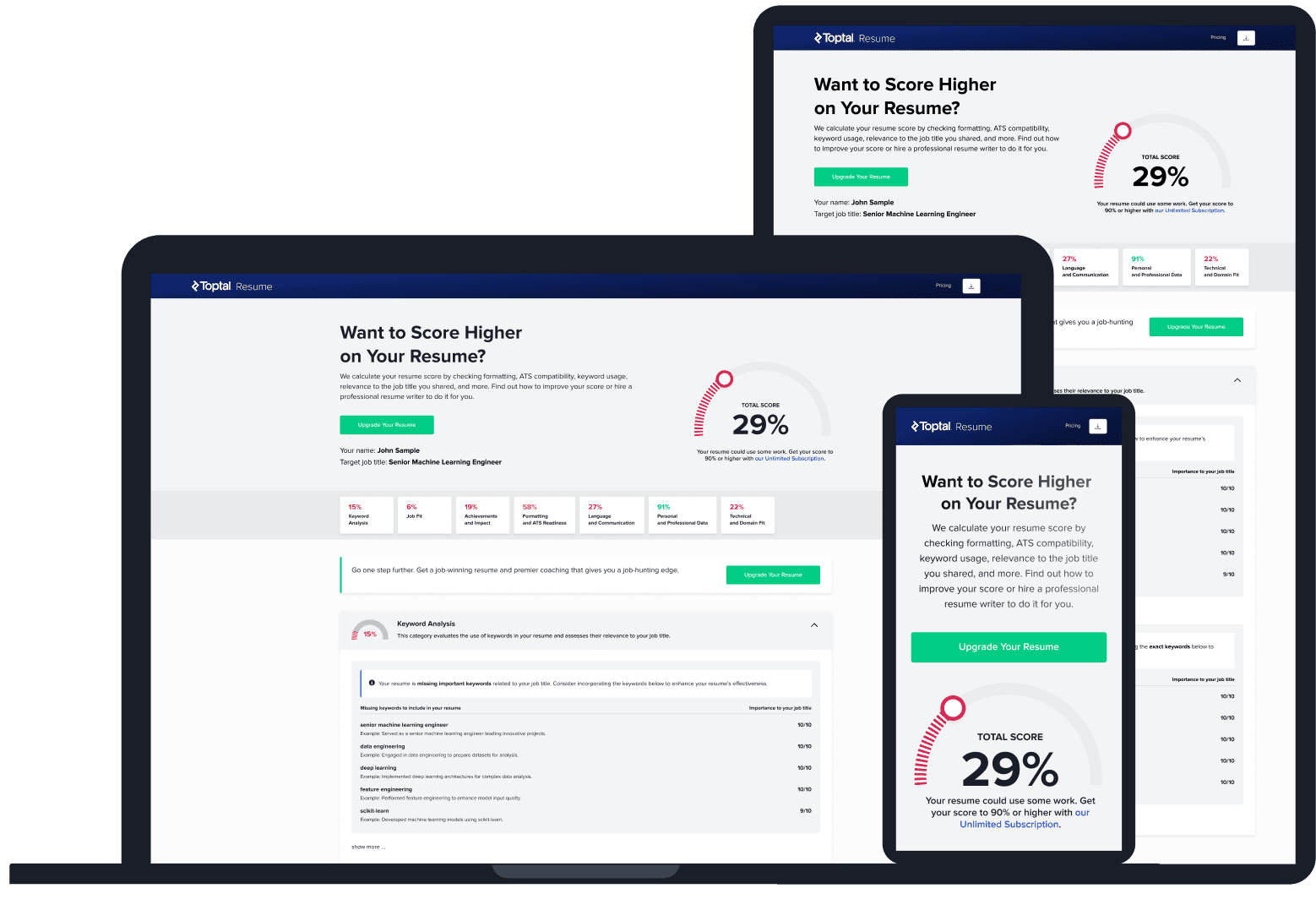
Upload your resume and tell us your target job title. Our system will analyze it the way a recruiter and ATS would—scoring it across core hiring dimensions and giving you personalized, role-specific feedback you can implement right away.
Read Next

Resume Tips
ATS-friendly Resumes: Formatting, Examples, and Common Mistakes
A resume that looks polished can still lose information when software reads it. Here’s how to spot the formatting problems and fix them.

By Borislav Stojkov
Principal Resume Writer
Borislav Stojkov is a Principal Resume Writer at Toptal Resume. His professional track record includes personally reviewing and rewriting more than 2,000 resumes for professionals across industries. In his direct work with clients and the development of AI-based resume-writing services, he focuses on ATS-optimized structure, modern template design, and recruiter-aligned writing and formatting standards.
Resume Tips
Resume Examples: What Makes a Great Resume?
A resume example is most useful when you understand why specific choices were made. Here’s what three real-world examples reveal about strong resume writing.
By Borislav Stojkov
Principal Resume Writer
Borislav Stojkov is a Principal Resume Writer at Toptal Resume. His professional track record includes personally reviewing and rewriting more than 2,000 resumes for professionals across industries. In his direct work with clients and the development of AI-based resume-writing services, he focuses on ATS-optimized structure, modern template design, and recruiter-aligned writing and formatting standards.

Resume Tips
AI Resume Builder: How to Create a Better Resume With AI
AI can draft and improve every section of your resume, but the facts, accuracy checks, and final edits always need to come from you.
By Borislav Stojkov
Principal Resume Writer
Borislav Stojkov is a Principal Resume Writer at Toptal Resume. His professional track record includes personally reviewing and rewriting more than 2,000 resumes for professionals across industries. In his direct work with clients and the development of AI-based resume-writing services, he focuses on ATS-optimized structure, modern template design, and recruiter-aligned writing and formatting standards.