Most Common Tech CV Mistakes (and How to Fix Them)
Even highly skilled tech professionals can miss out on job opportunities due to avoidable CV mistakes that weaken their applications. Gain insight into the most common tech CV errors—and how to fix them—so your CV passes applicant tracking systems (ATS) and gets you to the interview stage.


AUTHOR
Tracie Close
Job Search & Career Strategist
Tracie Close is a job search and career strategist specialising in job search optimisation, CV writing, and employer branding. With more than 16 years of experience supporting recruiters, HR teams, and job seekers, she brings deep insights into hiring practices and applicant tracking systems (ATS). She holds a Bachelor of Arts in Communications and Writing Arts from Rowan University and has led digital strategy projects for global tech firms.
Your CV is often your first and only chance to make a good impression. In today’s tech hiring landscape, even the most experienced developers, engineers, and product managers can fall victim to common CV mistakes that prevent their applications from ever reaching a human recruiter.
Why? Because most CVs are first reviewed by applicant tracking systems (ATS), not a human. These systems scan for formatting, keyword alignment, structure, and qualifications that match the job description. If your CV isn’t optimised for ATS parsing, it may never reach a tech hiring manager’s desk.
Whether you're applying for your first tech job or your fifth CTO role, understanding the most common tech CV mistakes and how to fix them will improve your chances of landing top tech interviews.
Mistake #1: Missing Role-specific Keywords
One of the most damaging mistakes is failing to include the right keywords. ATS systems scan for job-specific terms—like tools, frameworks, and methodologies—to determine whether your CV moves forward. If those terms aren’t present or clearly expressed, yours won’t make it to a recruiter’s inbox.
ATS is now widely used by tech recruiters across industries to manage and screen incoming CVs. The growing reliance on AI-powered tools helps companies efficiently vet hundreds, if not thousands, of candidates each week. According to SHRM, AI-powered recruiting tools can analyse CVs and surface qualified candidates in minutes, accelerating a process that might otherwise take human recruiters weeks.
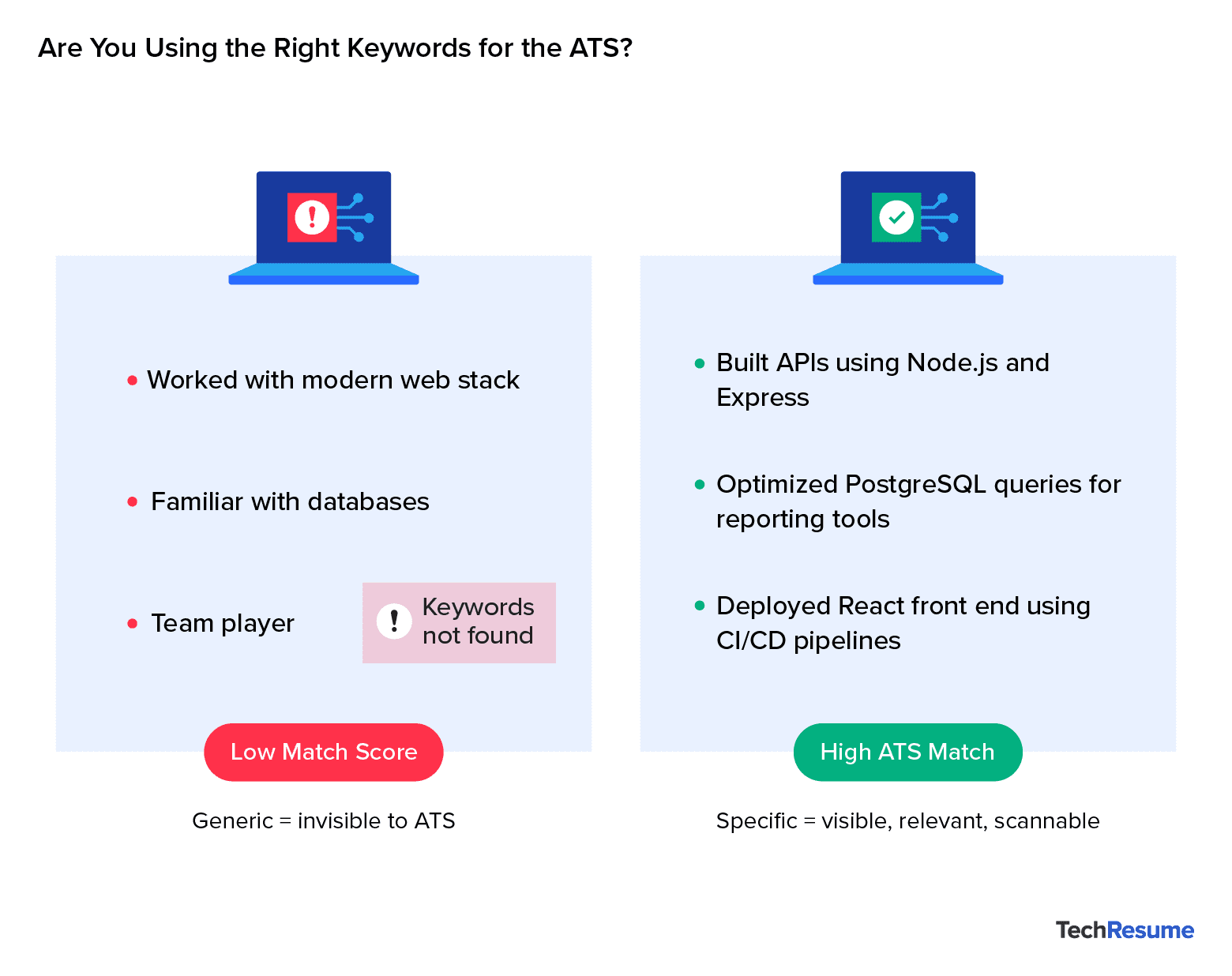
For applicants, specificity is key to getting past the ATS vetting stage. Common problems that disqualify CVs include using vague tech terminology (e.g., “web stack”) instead of identifying tools like “React” or “Node.js.” Candidates also often overlook keywords that are clearly stated in the job description, which reduces their chances of passing ATS filters. On the flip side, overusing the same keywords, such as repeating “JavaScript” in every bullet, can appear forced or redundant. Keyword repetition without variation may read as unnatural and doesn’t reflect the nuance of your contributions.
Career advisors often recommend treating job descriptions like a roadmap to improve ATS visibility and demonstrate alignment with the role. Identify repeated skills and key terms, and naturally reflect those keywords in your CV. To do this well, review the job description and extract key terms from both responsibilities and requirements. Then, integrate them thoughtfully throughout your summary, experience, and skills sections.
Don’t forget to aim for semantic alignment as well. In other words, don’t just copy terms verbatim; demonstrate that you understand the language of the role (e.g., using “server-side” where others might say “back end”). Name specific technologies instead of using filler phrases like “worked with various tools.”. At the same time, vary how and where you reference key terms to maintain a natural, engaging tone.
Pro Tip: CVs should reflect the language of the industry and the job, not just your personal style. If you’re not using the same terminology as the job listing, your CV may be filtered out early. But if you overdo it, it may feel robotic or redundant. Aim for balance.
Mistake #2: Poor Target Role Alignment
Another major mistake is failing to tailor your tech CV to the specific job you’re applying for. Even if your CV includes the target keywords, it can still fall flat if it doesn’t clearly communicate why you’re the right fit for the role. One of the most common errors is using generic job titles that don't align with industry standards, like listing “Software Expert” instead of “Back-end Engineer” or “Full-stack Developer”, which can obscure the individual's actual expertise.
In fact, a lack of clear career progression or domain focus makes it difficult to understand the applicant’s trajectory and specialisation. Additionally, including irrelevant experience from more than a decade ago can clutter the narrative and distract from more recent, relevant accomplishments.
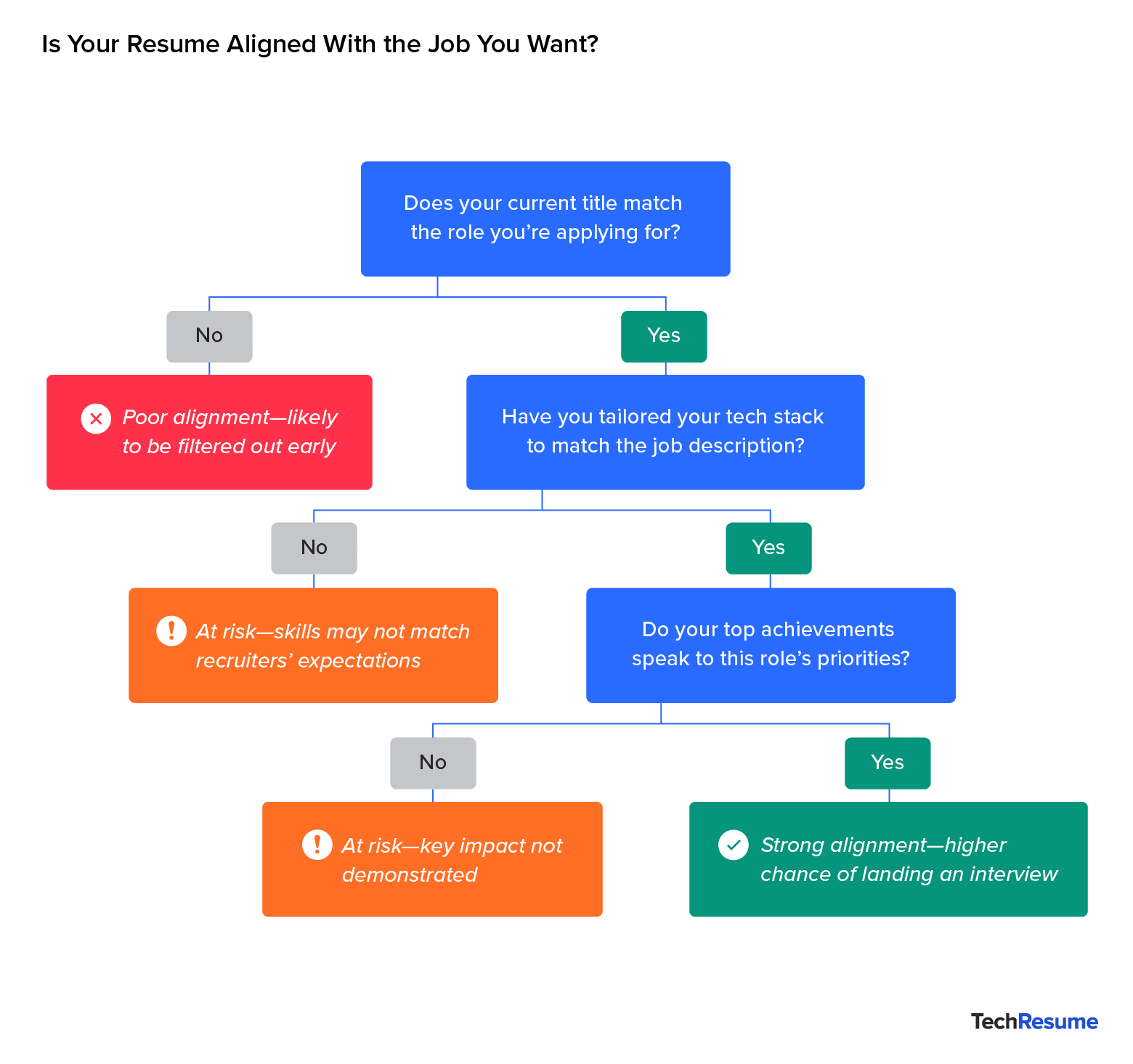
Your tech CV should also reflect the tone and expectations of the target industry, whether that's a fast-paced startup or a structured enterprise environment, and match the seniority level implied in the job post. Misalignments in tone, scope, or responsibility can cause your CV to feel “off” even if the technical skills are there.
“Recruiters don’t just look for skills, we’re scanning for alignment. A CV that mirrors the tone and expectations of the job description signals that the candidate not only understands the environment they’re stepping into—whether a fast-paced startup or a structured enterprise—but can thrive in it.”
— Marisa Goldberg, Senior Director of Recruiting at Toptal
To align your CV with a specific target role, establish immediate relevance by using a job title that closely matches the one in the job description. Show tech recruiters what you’ve accomplished, especially results that match the role’s expectations, and how you can bring that same value to their team.
Moreover, emphasise tools, technologies, and results that are most relevant to the industry. At the same time, streamline or summarise any experience that doesn’t directly support your candidacy, ensuring every element of your CV reinforces your technical fit for the position.
Pro Tip: Tailor your CV to highlight the skills, technologies, and results that match the job you’re applying for, not just summarise where you’ve worked.
Mistake #3: Weak or Generic Achievements
Listing responsibilities instead of accomplishments is a common CV error across all industries, but it’s especially damaging in tech. Tech recruiters want to see what you’ve built or improved, not just what you were working on.
Use specific language to showcase your achievements and contributions. Don’t start bullet points with passive phrases like “responsible for,” which fail to convey ownership or impact. Instead, start each bullet with a strong action verb (e.g., “deployed,” “automated,” “scaled”). Avoid entries that lack metrics or measurable outcomes, which make it difficult to assess the effectiveness of the work. Include quantifiable results, such as “reduced load time by 40%.”
“A great CV bullet shows ownership and impact. Don’t just list responsibilities, highlight the measurable change that happened because of you.”
— Marisa Goldberg, Senior Director of Recruiting at Toptal
Focus on your unique contributions, not just team efforts. Simply repeating the language of the job description misses the opportunity to highlight real value. Google’s Head of Recruiting agrees: impact-focused bullet points that show measurable outcomes are what separate strong CVs from forgettable ones.
Pro Tip: Every bullet should answer the question: “What did I improve, build, or solve?”.
Mistake #4: ATS Formatting Failures
A beautifully designed CV might impress a human, but it could confuse an ATS. Many CVs are rejected simply because formatting prevents the system from reading them correctly.
According to Forbes, using elements like tables, columns, text boxes, or embedded images can interfere with ATS parsing, often resulting in automatic rejection. These design choices may not display consistently across platforms or may render key information unreadable to both machines and people.
To ensure your CV is ATS-ready, stick to a single-column layout with clear, standard section headings. Use clean, professional fonts like Arial, Calibri, or Georgia, and avoid decorative elements such as logos, icons, photos, or unconventional spacing that can disrupt the visual flow.
Finally, maintain a consistent, parseable structure and display all content as plain text, not embedded within graphics or visual elements. This helps ensure both ATS systems and human reviewers can easily interpret your CV.
Pro Tip: Paste your CV into a plain text editor. If it looks messy or unreadable, it won’t pass an ATS.
Mistake #5: Unclear or Unprofessional Language
Even if your CV is technically sound, poor writing can undermine your credibility. Grammar errors, buzzwords, and vague summaries are all red flags.
Common writing issues in tech CVs include typos, inconsistent punctuation, and the use of passive voice or clichés like “team player” or “go-getter,” which fail to convey real impact. In addition, long, unfocused summaries can dilute key messages, while confusing or inconsistent verb tenses may disrupt clarity and make the narrative harder to follow.
Aim for a confident yet grounded tone to ensure your language is clear, professional, and appealing to recruiters. For your current role, use the present tense for ongoing responsibilities and the past tense for completed achievements. For past roles, stick to the past tense. Also, don’t forget to keep your summary concise—ideally 2 to 4 lines—focusing on the value you bring, not personality traits or generic descriptors.
Pro Tip: If a sentence doesn’t add clarity or value, cut it.
Mistake #6: Incomplete or Unprofessional Personal Information
Your contact and profile information is more important than you think. Missing or outdated details can make you look careless and might make you unreachable.
Typical oversights in professional tech CVs include missing links to LinkedIn, GitHub, or online portfolios, which can limit a reviewer’s ability to explore a candidate’s work. Outdated contact information, such as an old email address or phone number, can create unnecessary communication barriers.
Unexplained gaps in work history and unlabelled freelance or contract roles can raise questions about consistency and transparency. Additionally, including irrelevant sections like “Hobbies” or “References available upon request” is outdated and takes up space that could be used to highlight your skills or achievements.
Practical fixes include updating your contact information and including your email address, phone number, and at least one professional profile, such as LinkedIn or GitHub. It’s also important to label freelance or self-employed roles clearly to help establish credibility and transparency.
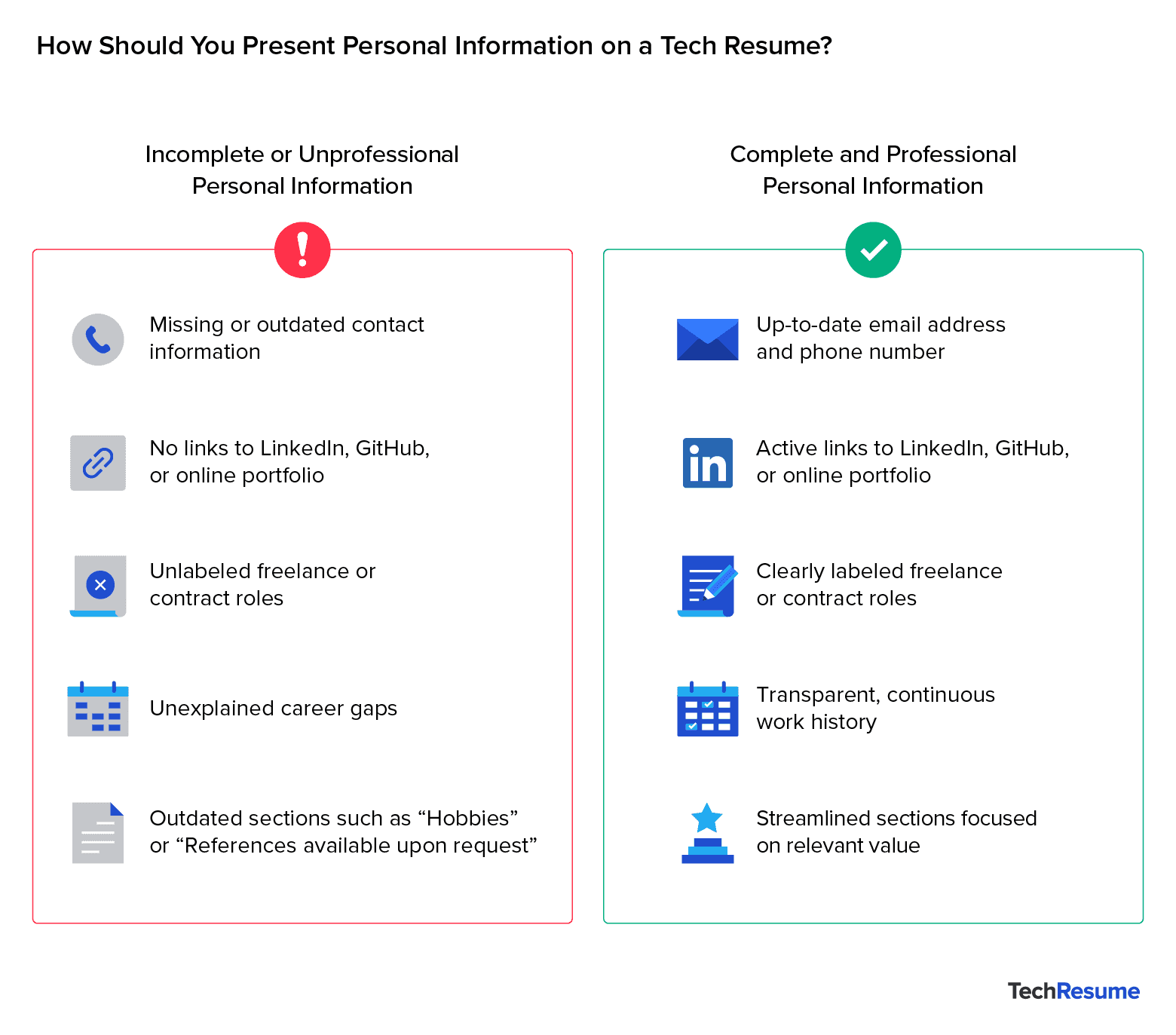
In addition to personal data, make sure your work history is continuous and easy to follow, which prevents confusion and helps eliminate red flags. When it comes to education, omit graduation years if they’re more than five years old unless directly relevant to the role, as this helps keep the focus on your most applicable qualifications.
Pro Tip: Make sure your CV includes accurate, up-to-date contact info and relevant profile links—treat it like a standalone pitch that makes it easy for recruiters to reach and evaluate you.
Mistake #7: Irrelevant or Outdated Technical Content
It might be tempting to list every tool you’ve ever touched, but recruiters are looking for a focused, up-to-date tech stack, not a long list of outdated or irrelevant skills.
Remove outdated technologies unless they’re explicitly requested, such as Flash or VB.NET. On the flipside, don’t overlook modern technologies such as Docker, GitHub Actions, or CI/CD pipelines. These mistakes can make a candidate appear out of touch with current development practices. Also, avoid simply naming tools or using a generic skills section without providing context or tying it to a specific experience. Doing so is a missed opportunity to show applied skills that weaken the CV’s impact.
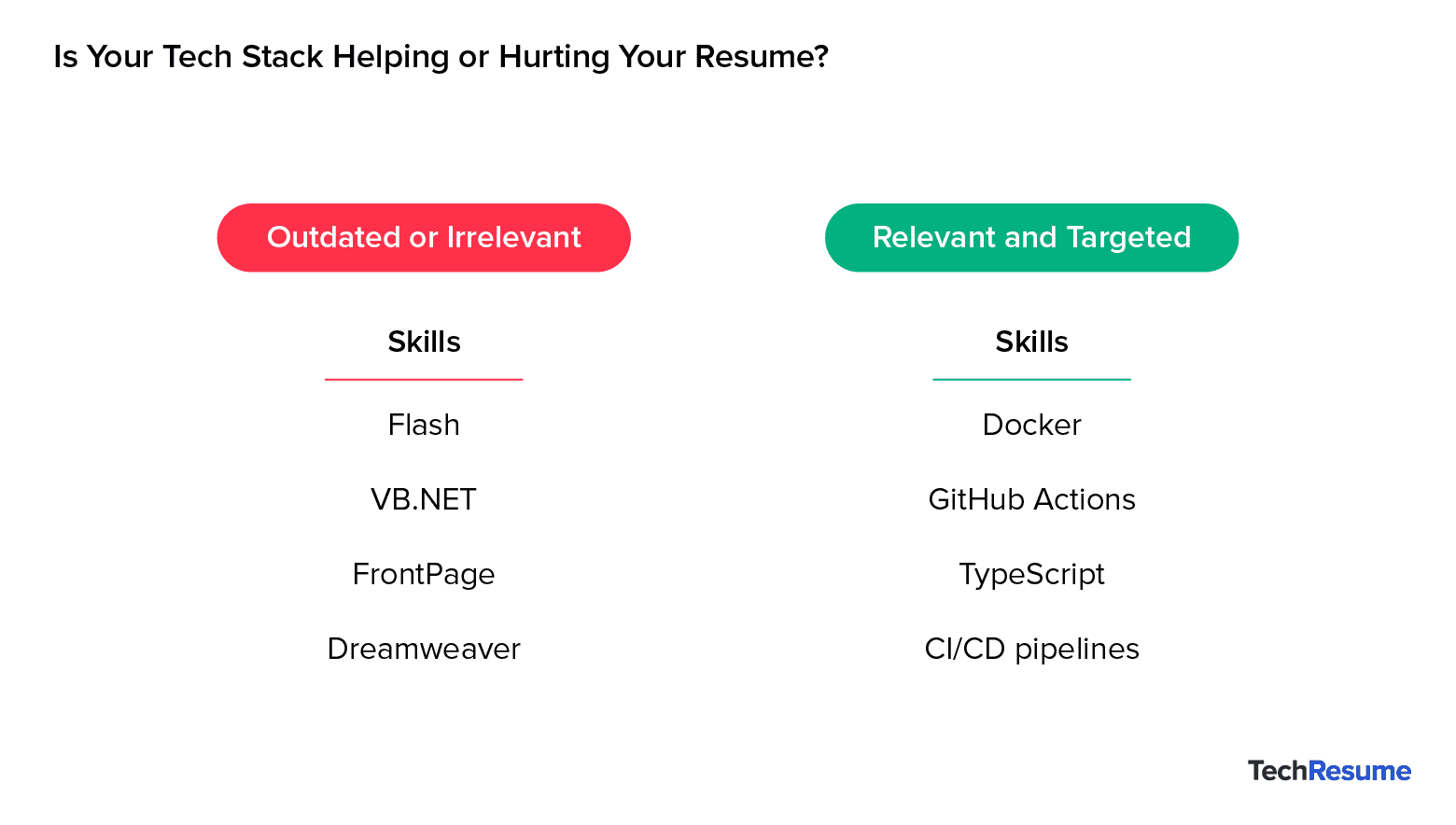
To prove your technical and domain fit, limit your skills to those most relevant to the job, and demonstrate how they were used. This shows recruiters not just what you know, but how you’ve applied it.
Pro Tip: If you wouldn’t use the tool today or the job doesn’t mention it, cut it.
Want to Know Which Tech CV Mistakes You’re Making?
CVs don’t get second chances. A single formatting issue or missing keyword can be enough to take you out of the running. The problem usually isn’t a lack of experience but small, fixable issues—often the most common CV mistakes—that cost tech candidates interviews.
That’s why it’s important to score and revise your tech CV before applying. The more precisely you tailor it to the target role, the better your odds of standing out. Review your CV with fresh eyes, ideally the kind that mimic how both ATS software and recruiters scan for fit.
Pro Tip: Think like a recruiter. If your CV doesn’t immediately show fit, value, and clarity, it’s probably not working hard enough for you.
Use an ATS Score Checker Before You Apply for a Tech Role
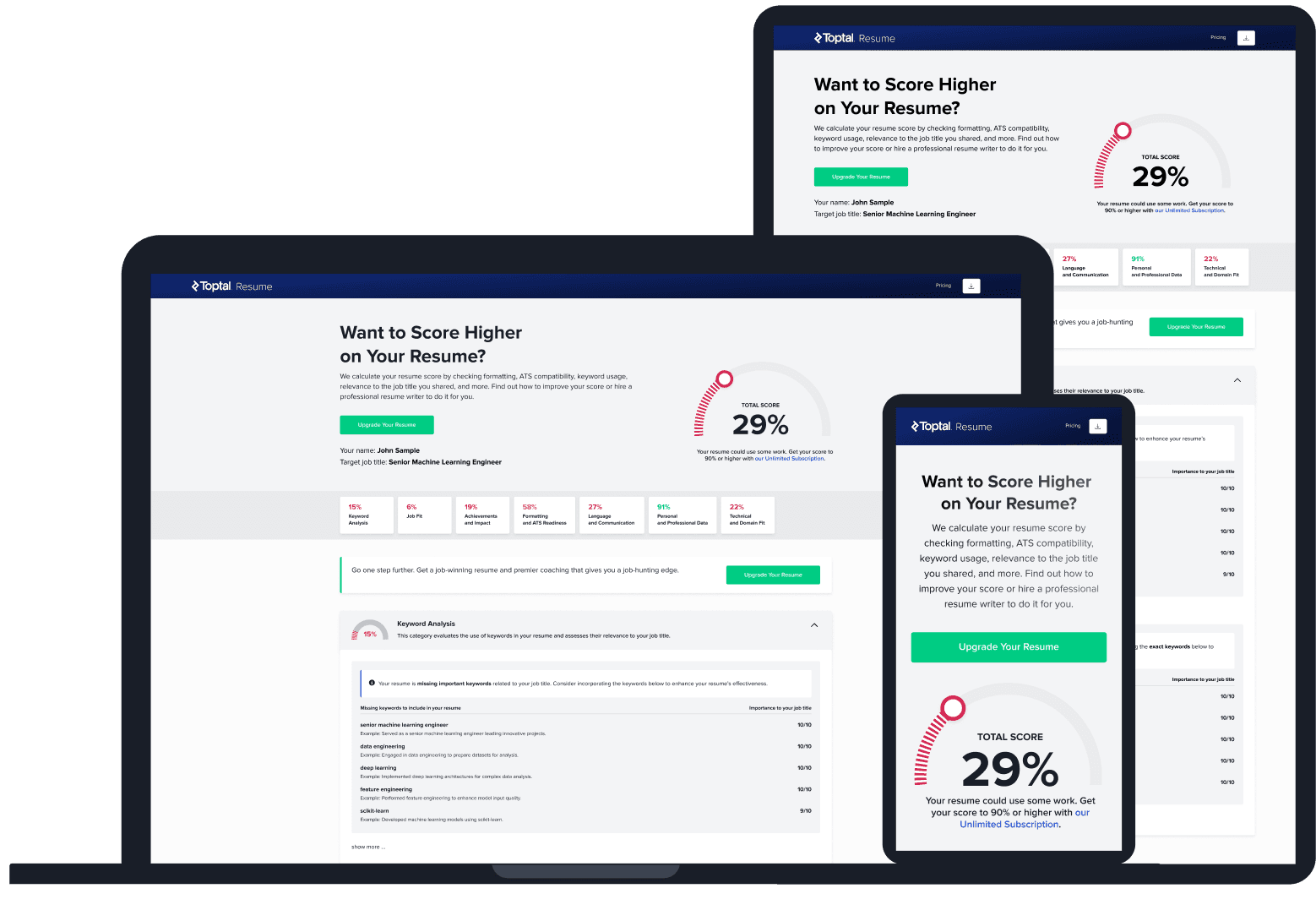
Before you hit “submit,” take a moment to test how well your CV performs, especially against the same systems hiring teams use. Run it through an ATS score checker to assess its alignment with the role you're targeting and to catch issues with formatting, keywords, and clarity.
Tools like Toptal Resume’s checker analyse your CV against real job descriptions, flag keyword or formatting issues, and offer actionable suggestions to boost your visibility with tech recruiters. Think of it as a diagnostic scan: it highlights what’s working, what’s not, and what to improve so you don’t miss out on a top tech interview for fixable reasons.
FAQs: Most Common Tech CV Mistakes (and How to Fix Them)
ATS CV Score Checker
for Professional Roles
Upload your CV and tell us your target job title. Our system will analyse it the way a recruiter and ATS would—scoring it across core hiring dimensions and giving you personalised, role-specific feedback you can implement right away.
Read Next
Tools & Services
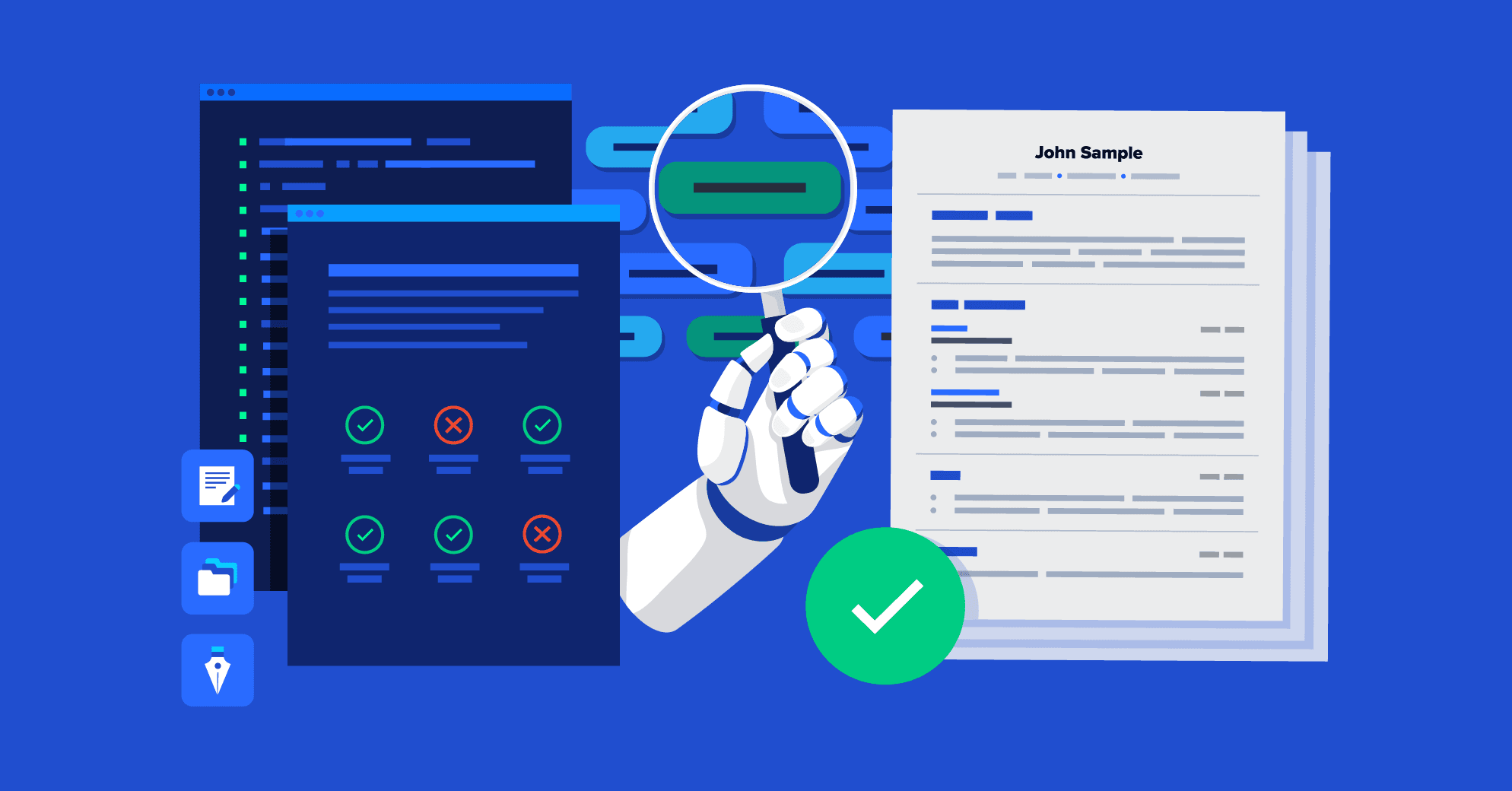
CV Checker vs. ATS Score Checker: What’s the Difference?
Not all CV tools are built for the same purpose. Understanding the difference between a CV checker and an ATS score checker can help ensure your tech CV passes the filters and reaches the right recruiters.

By Audrey Goodson Kingo
Career Expert
Audrey Goodson Kingo is a book author and a renowned journalist covering careers and HR. She has advised insurance giant Aon on work-life balance and shared her expertise with CNN, Good Morning America, MSN, and more.

Job Market Trends
How Understanding Applicant Tracking Systems (ATS) Can Land You a Top Tech Job
Applicant Tracking Systems (ATS) are now used by nearly all Fortune 500 companies to handle the surge in job applications. For tech professionals, understanding how these systems parse applications can mean the difference between being filtered out and moving forward in the hiring process.

By Amanda Menin
HR & Career Strategy Expert
Amanda Menin is a Talent and Organisational Strategy expert specialising in hiring practices, CV optimisation, and applicant tracking systems (ATS). With more than 20 years of experience across technology, healthcare, and consulting, she offers practical insight into how employers evaluate candidates. She holds a master’s in industrial and organisational psychology and is a SHRM Senior Certified Professional (SCP).
Interview Prep
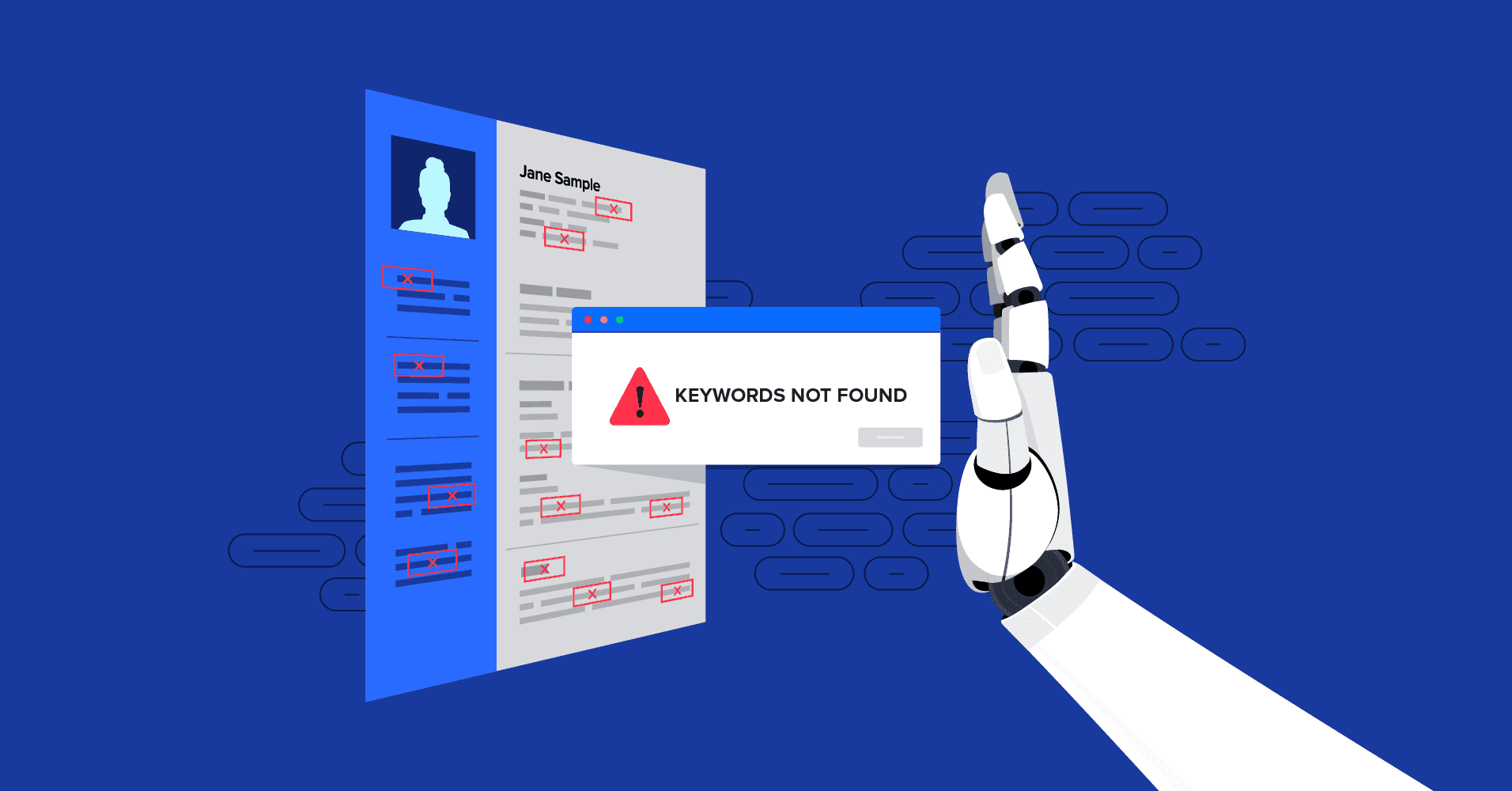
From ATS to Interview: Ensuring Your Tech CV Passes Automated Tech Screening
Most tech CVs are screened out before a recruiter ever sees them. Discover how to optimise yours with the right CV formatting techniques to pass the applicant tracking system (ATS) filters and get noticed.
By Audrey Goodson Kingo
Career Expert
Audrey Goodson Kingo is a book author and a renowned journalist covering careers and HR. She has advised insurance giant Aon on work-life balance and shared her expertise with CNN, Good Morning America, MSN, and more.