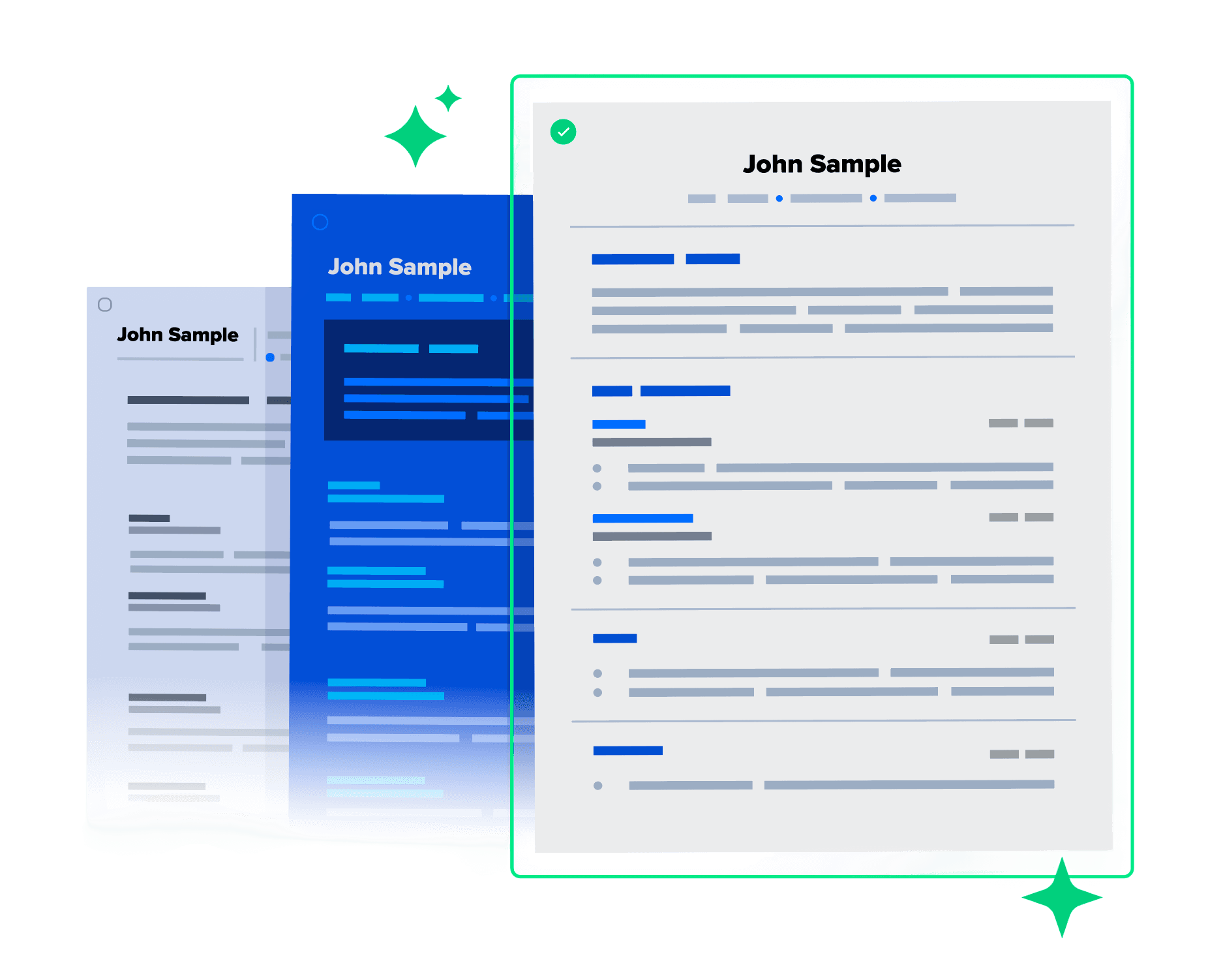
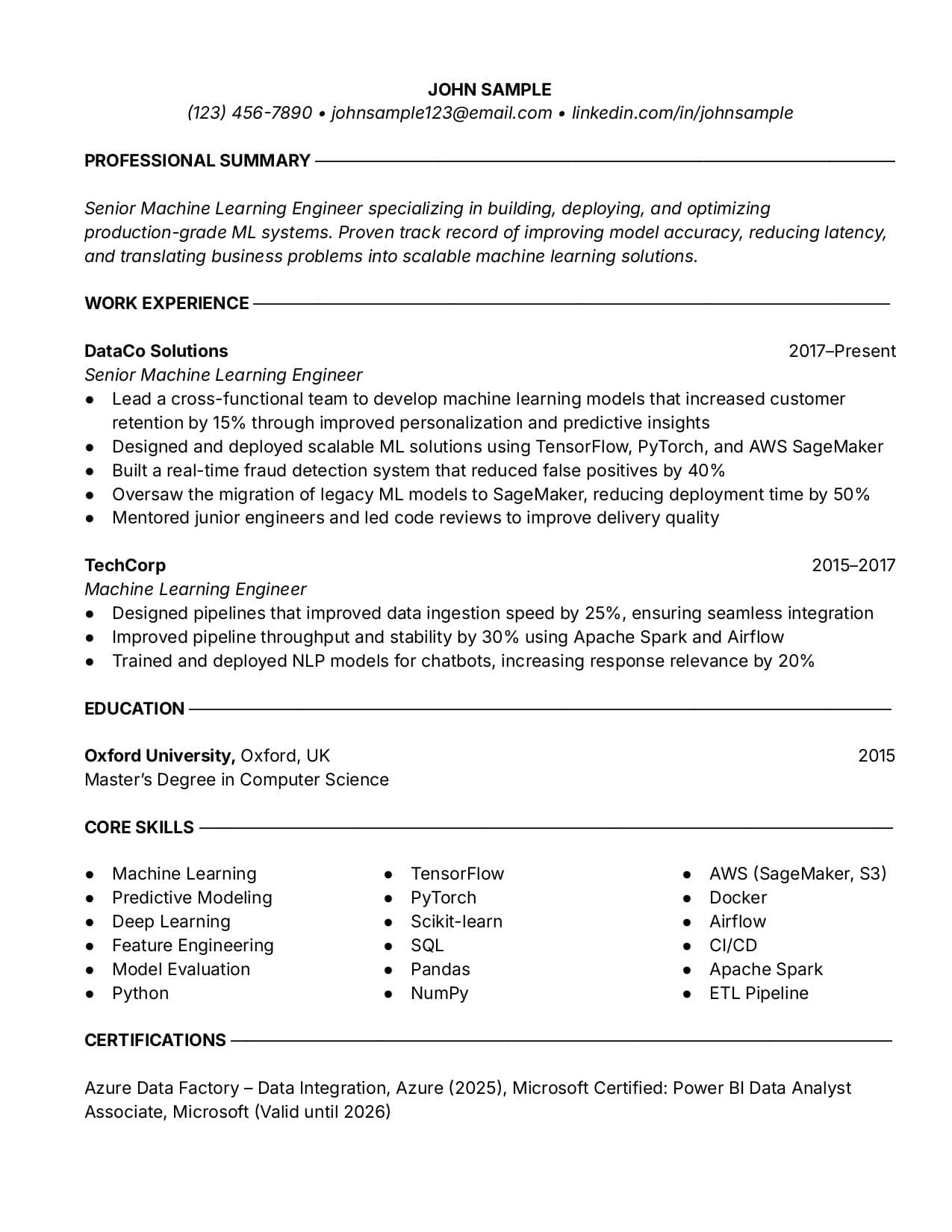
ATS-friendly
Business Professional
A great look if you want a touch of sophistication.
Use resume templates for Google Docs that are easy to edit. Designed for compatibility with cloud-based tools, so you can effortlessly share and manage your resume.
Clients rate Toptal
4.9 out of 5
Expert Guide
Choose from a variety of Google Docs resume formats. They’re all easy for applicant tracking systems (ATS) to parse and useful for collaborating with others.
ATS-friendly
A great look if you want a touch of sophistication.
ATS-friendly
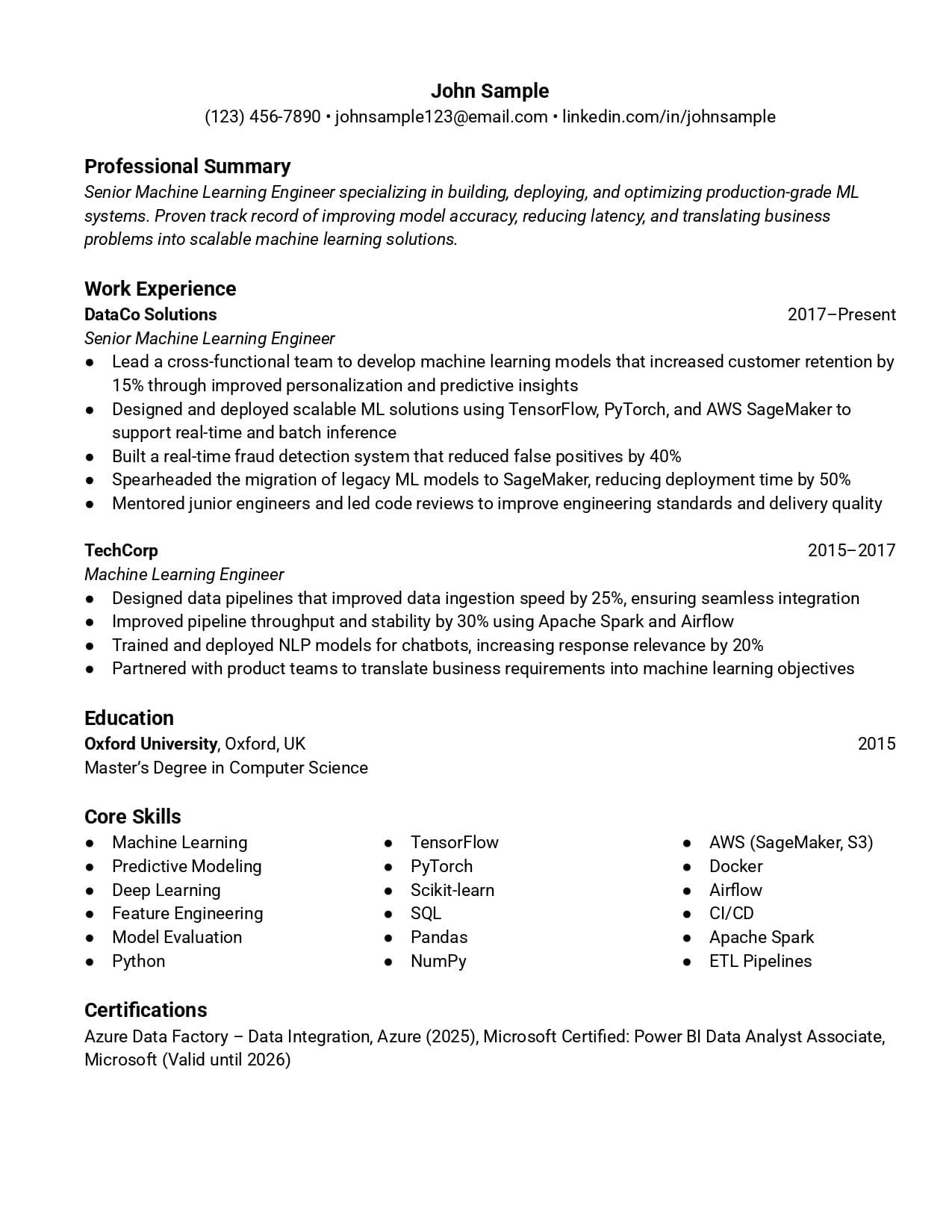
Clean lines and simple sections make your info easy to scan and read.
ATS-friendly
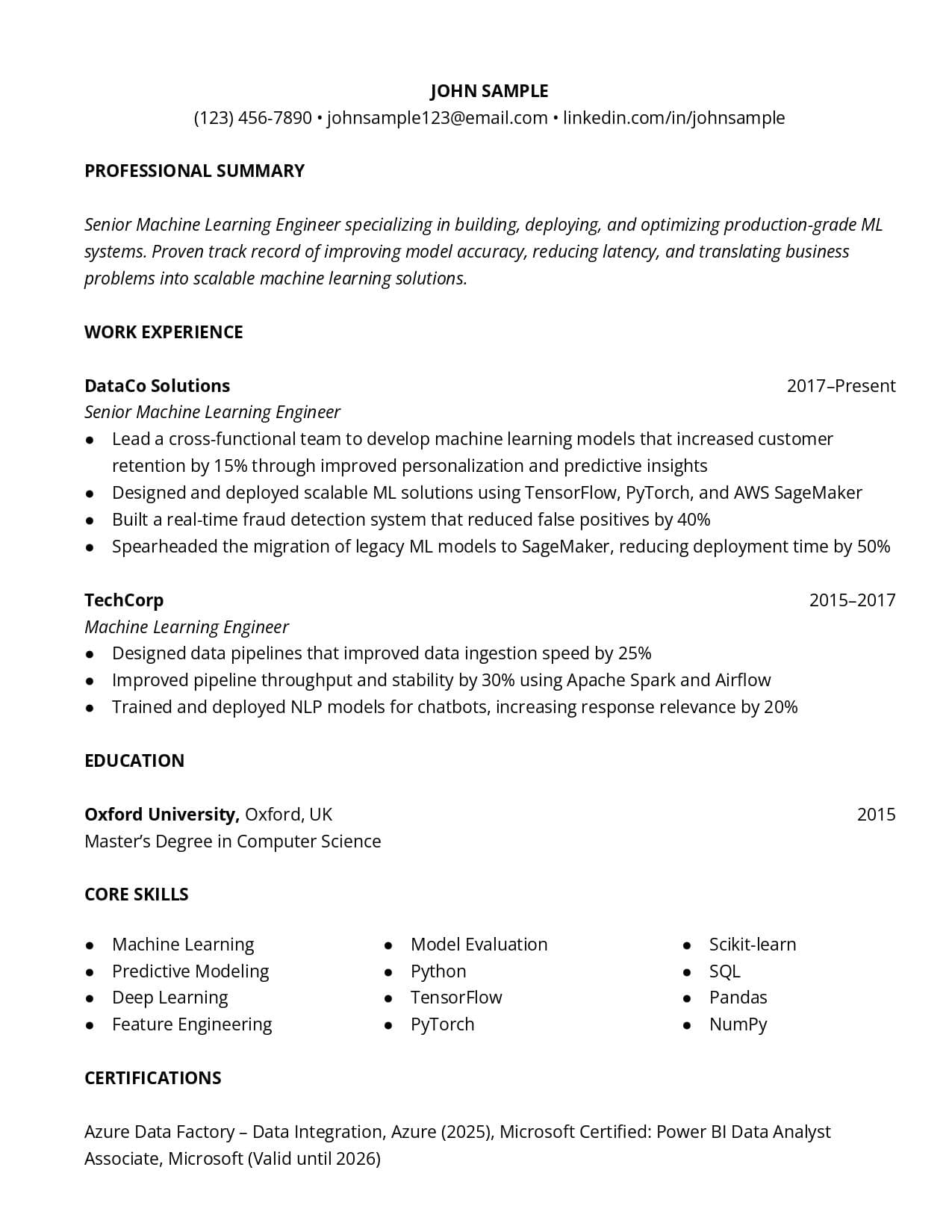
Modern resume template with minimalist, clean formatting.
Use our resume creator to craft a professional resume that helps you land a job.
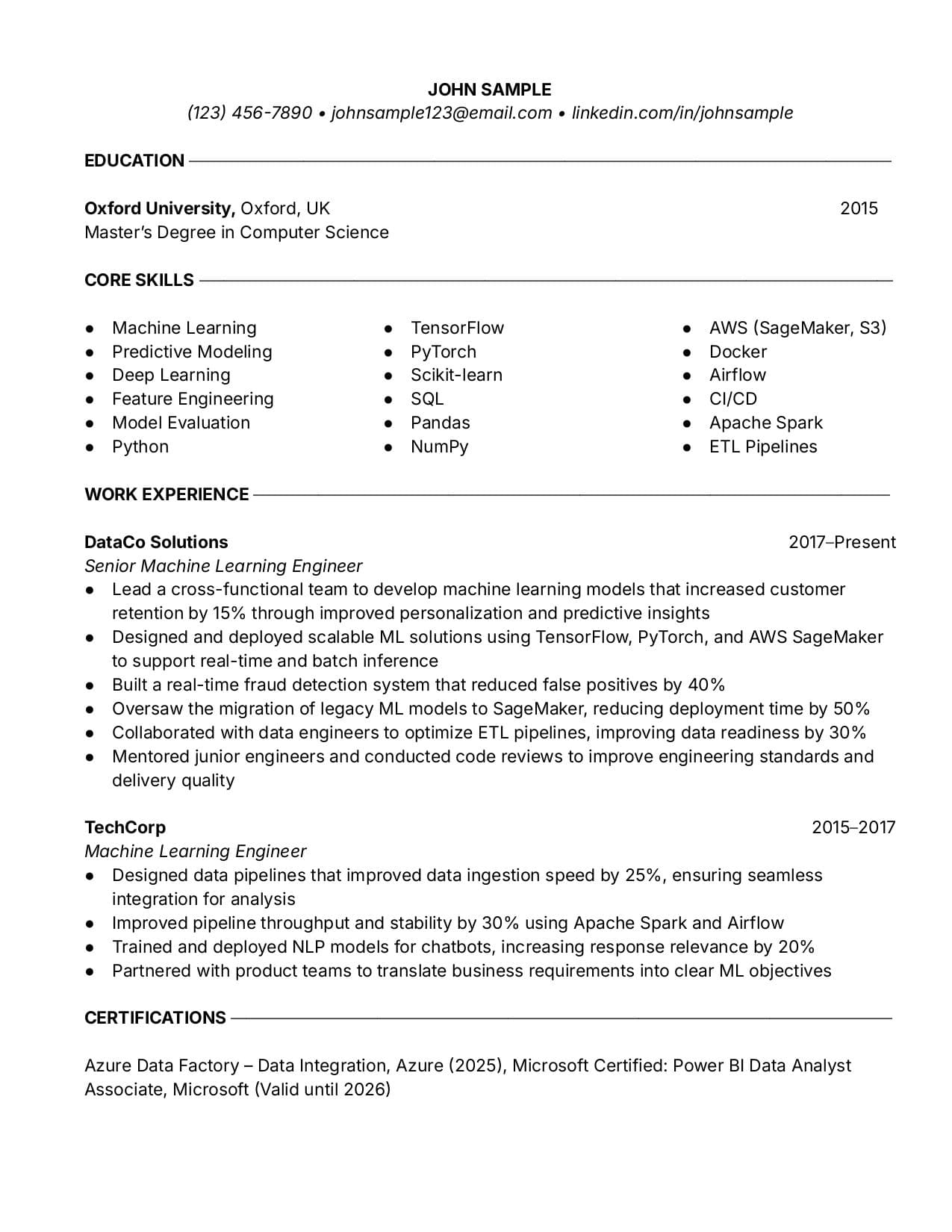
ATS-friendly
Go with a classic look for an early career resume. It will stand out from other resumes.
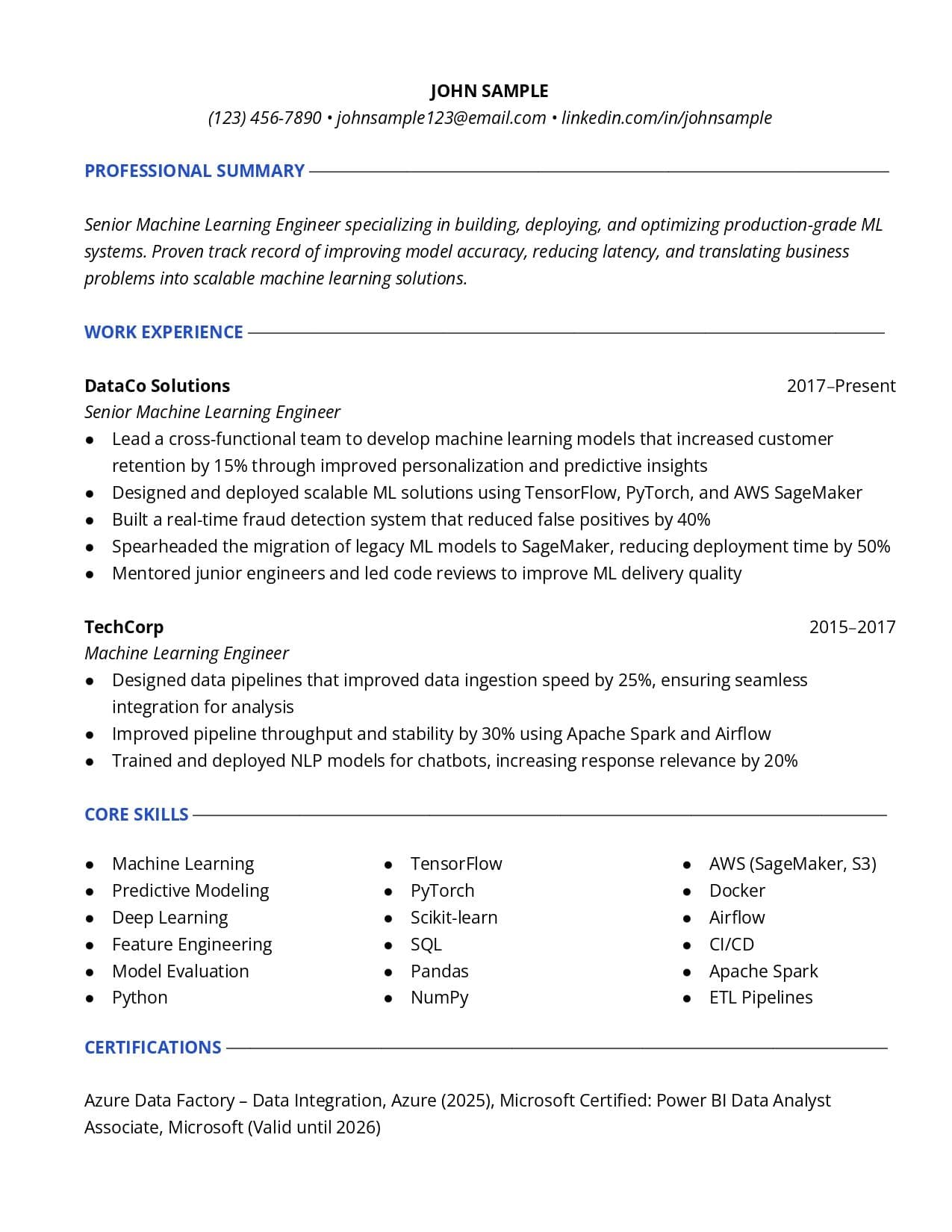
ATS-friendly
Clean and organized, this template takes all your info and puts it in a polished format.
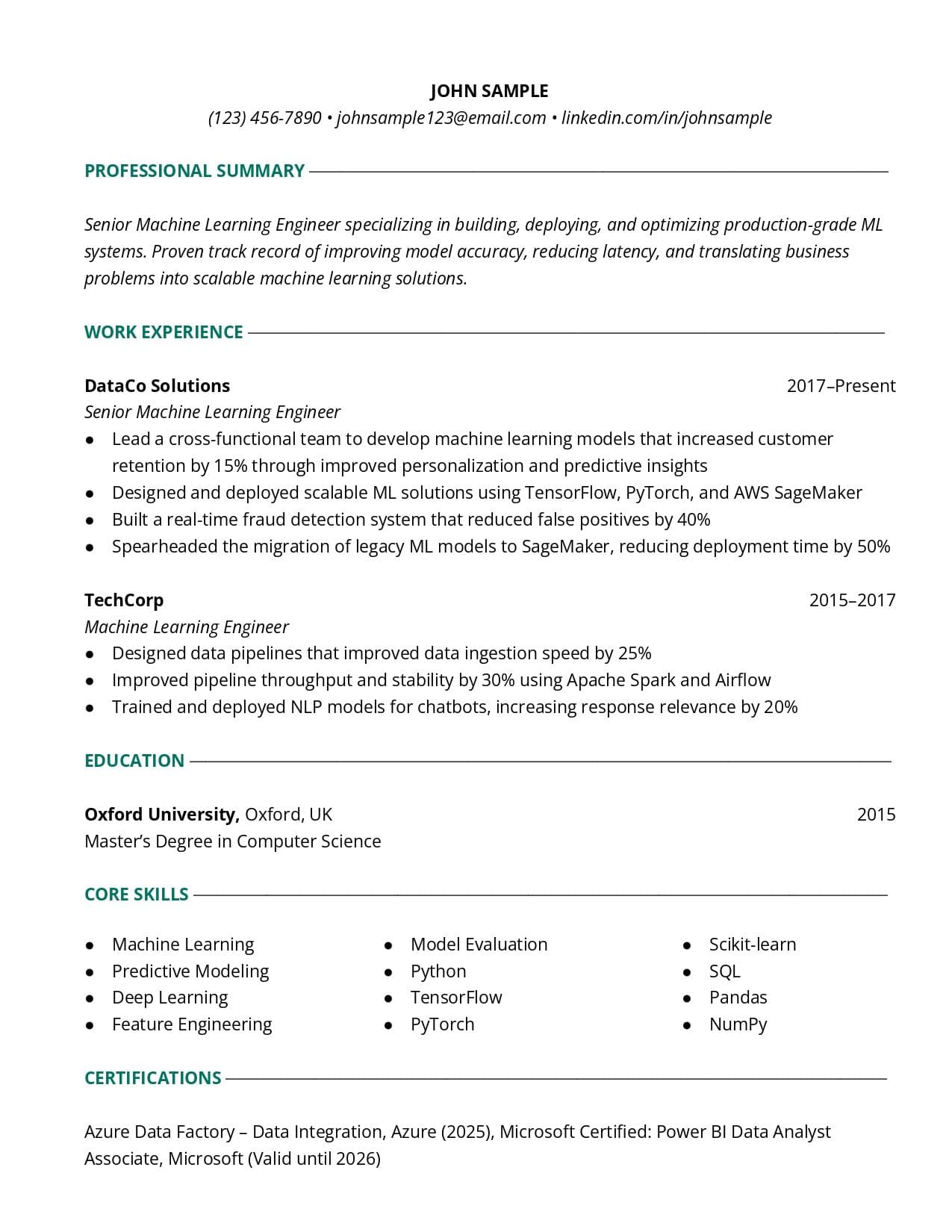
ATS-friendly
Simple in structure and effective in conveying your message. Has a touch of color.
Use our resume creator to craft a professional resume that helps you land a job.
ATS-friendly
A great look if you want a touch of sophistication.
ATS-friendly
Clean lines and simple sections make your info easy to scan and read.
ATS-friendly
Modern resume template with minimalist, clean formatting.
ATS-friendly
Go with a classic look for an early career resume. It will stand out from other resumes.
ATS-friendly
Clean and organized, this template takes all your info and puts it in a polished format.
Use our resume creator to craft a professional resume that helps you land a job.
ATS-friendly
Simple in structure and effective in conveying your message. Has a touch of color.
See how Toptal resume templates helped people land interviews at top companies
Toptal Resume transformed my job search. As a JavaScript developer, I needed a resume that highlighted my expertise with React and Node.js. They crafted the perfect resume, and I quickly landed interviews with top tech companies. Highly recommend!
Alejandro Hernandez
JavaScript Developer
I needed a resume that showcased my specific expertise as a software engineer. Thanks to Toptal Resume, I was interviewing at top companies within a few weeks. I highly recommend Toptal Resume. The service is professional, tailored, and absolutely gets results.
Laureano Martin Arcanio
Software Engineer
I have already started my new job, which I love and which pays roughly 50% more than my last job. During my job search, the resume was so good, and my applications were so deliberate that I was hitting about a 100% conversion rate to round 1 interviews. The resume definitely helped a lot. It's pure gold!
Brandon Teer
Director of IT
The resume looks great! I really appreciate how you've streamlined the content, highlighted the right things, and made it feel polished. Everything's super helpful, and I feel a lot more confident going into applications now!
Karthikeyan Iyer
Senior Front-end Developer
This was my first time trying a resume service, and I'm so glad I gave it a shot. Not only did the process exceed my expectations, but it also made me more excited and confident about my future job search. I can already tell this resume will open doors for me.
Carlos Craig
React Native Engineer
I used the resume provided by you guys for my job search. I only improved the intro a bit. I was able to get more than 10 interviews from 60 applications and get offers from 6 companies. I stopped my pending interviews and accepted an offer from Robinhood a month ago.
Moges Tesfay Yohannes
Senior Android Developer
Toptal Resume transformed my job search. As a JavaScript developer, I needed a resume that highlighted my expertise with React and Node.js. They crafted the perfect resume, and I quickly landed interviews with top tech companies. Highly recommend!
Alejandro Hernandez
JavaScript Developer
I needed a resume that showcased my specific expertise as a software engineer. Thanks to Toptal Resume, I was interviewing at top companies within a few weeks. I highly recommend Toptal Resume. The service is professional, tailored, and absolutely gets results.
Laureano Martin Arcanio
Software Engineer
I have already started my new job, which I love and which pays roughly 50% more than my last job. During my job search, the resume was so good, and my applications were so deliberate that I was hitting about a 100% conversion rate to round 1 interviews. The resume definitely helped a lot. It's pure gold!
Brandon Teer
Director of IT
The resume looks great! I really appreciate how you've streamlined the content, highlighted the right things, and made it feel polished. Everything's super helpful, and I feel a lot more confident going into applications now!
Karthikeyan Iyer
Senior Front-end Developer
This was my first time trying a resume service, and I'm so glad I gave it a shot. Not only did the process exceed my expectations, but it also made me more excited and confident about my future job search. I can already tell this resume will open doors for me.
Carlos Craig
React Native Engineer
I used the resume provided by you guys for my job search. I only improved the intro a bit. I was able to get more than 10 interviews from 60 applications and get offers from 6 companies. I stopped my pending interviews and accepted an offer from Robinhood a month ago.
Moges Tesfay Yohannes
Senior Android Developer
Part 1
A Google Docs resume template is a resume you can open and edit in Google Docs after downloading it. You start with a ready-made design and then update it in a familiar, cloud-based environment when needed.
These templates are designed to stay clean and structured when used in Google Docs. You can upload your file to Google Drive, make edits, and share it with others using a link for easy collaboration.
This format works well if you prefer browser-based tools or want to access your resume from different devices. It’s also useful if you want to make quick updates later without changing the overall layout.
Part 2
Part 3
Part 4
After editing your content, review spacing between sections, line height, and margins. Google Docs can shift layout slightly, so small adjustments help keep everything aligned and easy to read.
Avoid long paragraphs or dense sections, especially in tighter layouts. Shorter bullet points and clear sections help your resume stay structured and prevent formatting from breaking as you edit.
Open your resume on another device or screen size to check how it looks. This helps catch spacing or alignment issues before you download or share the final version.
Part 5
When you open your resume in Google Docs, review spacing, alignment, and section breaks. Even well-designed templates can shift slightly in a browser-based editor, so a quick pass ensures everything still looks clean before sharing or exporting.
Turn on Suggesting mode when sharing your resume with a mentor or recruiter. This lets others leave edits without changing your original content, making collaborative editing easier to review and control.
Before making big changes, save a version in Google Docs using version history. This gives you a quick way to revert if something breaks, especially when testing updates or tailoring your resume for different roles.
Yes, you can use these resume templates in Google Docs by opening your file and editing it in a familiar environment. They’re designed to stay clean and structured, making it easy to update and share your resume when needed.