LinkedIn Profile vs. Resume: Key Differences and How to Use Each
A LinkedIn profile and a resume serve different purposes and different audiences. Here’s how each one works and how to manage both effectively.

AUTHOR
Borislav Stojkov
Principal Resume Writer
Borislav Stojkov is a Principal Resume Writer at Toptal Resume. His professional track record includes personally reviewing and rewriting more than 2,000 resumes for professionals across industries. In his direct work with clients and the development of AI-based resume-writing services, he focuses on ATS-optimized structure, modern template design, and recruiter-aligned writing and formatting standards.
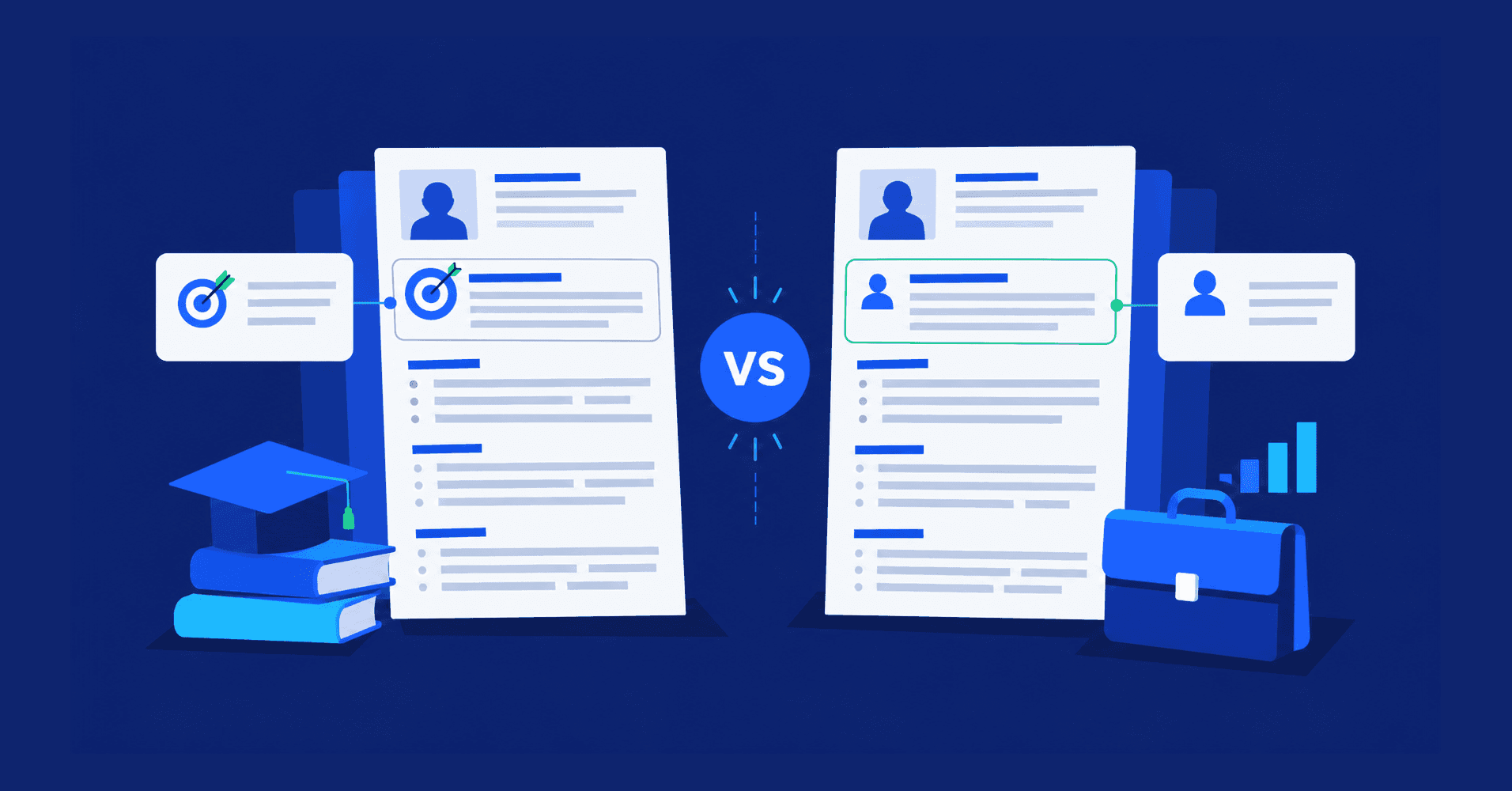
The difference between LinkedIn and a resume comes from both their purpose and their form. While a resume is always a concise, tailored document sent to a specific employer for a specific job opening, a LinkedIn profile is a comprehensive and public professional presentation accessible to recruiters searching for candidates, as well as to other LinkedIn users. They shouldn't be identical, and having both is a good strategy and common practice.
LinkedIn vs. Resume: Side-by-Side Comparison
The table below covers all the differences between the two in terms of their purpose, content, and what they communicate to your prospective and current employers.
| Dimension | Resume | LinkedIn Profile |
|---|---|---|
| Audience | One employer, one role, and seen only by the people you send it to | Public and visible to recruiters, contacts, colleagues, and your employer |
| Purpose | Getting the interview for a specific job you’re applying for | Getting found before you apply, staying visible between job searches, and networking with other professionals |
| Tailoring | Adapted for every application | Kept broad on purpose to increase your discoverability in recruiter searches |
| Length | One to two pages for most applicants | Open-ended and gives you more space for each section |
| Voice and language | Formal, concise, with implied first person and no pronouns | More conversational and often in first-person |
| Discovery mechanism | You send it, and it’s read by applicant tracking systems (ATS) and recruiters/hiring managers | Recruiters search for you, and you appear to other LinkedIn users in your network |
| Evidence listed | Achievement bullets, skills, certifications, and education | Additional evidence, such as recommendations, endorsements, published articles, media, and so on |
| Currency | Updated for an application | Updated regularly |
| Signaling a job search | Invisible to your employer | Your job search can be visible, but it’s managed in your profile settings |
| What must match | Job titles, employer names, employment dates, education, and certifications | Job titles, employer names, employment dates, education, and certifications |
| What can differ | Length, tone, level of detail, and which roles get the most space | Same. The facts should be consistent, but the wording doesn’t have to be identical |
| Submitting it for a job | Built for it. Tailored to the role and formatted for ATS parsing | The PDF export is generic, untailored, and carries LinkedIn’s branding. It works as a starting point, not as a resume to submit |
The most common mistake is treating your LinkedIn profile and your resume as the same document and using a LinkedIn profile as a substitute for your resume. Resumes are most effective when customized for a specific job opening, whereas LinkedIn profiles can be broader and often include sections that don't belong on a resume.
If you need help polishing your resume for your next application, Toptal's AI resume builder offers guidance and tailored suggestions for the role you're targeting.
What a Resume Does That LinkedIn Cannot
Here are the four most important specifics of a resume that make it different from a LinkedIn profile:
- Tailoring: Resumes can be, and should be, adjusted for each application by emphasizing different experiences, achievements, and keywords.
- Keyword matching for ATS: Resumes are scanned by ATS systems against a job description and look for more specific keywords than recruiters on LinkedIn.
- Privacy: Your resume is only seen by the people you send it to, unlike your LinkedIn, which is public by default.
- Control: When writing a resume, you have control over the first impression by choosing what a reader sees, in which order, and how detailed the information is.
ATS is not a concern when updating your LinkedIn profile, but it should be kept in mind when tailoring your resume. If you'd like to check your ATS score before submitting it, Toptal Resume's ATS resume checker provides detailed insights against your target job.
What LinkedIn Does That a Resume Cannot
On the other hand, a well-done LinkedIn profile optimization has its own advantages compared to a resume:
- Social proof: LinkedIn includes recommendations and skill endorsements, which are confirmations from other professionals. On the other hand, most of what is stated in your resume is your own claim.
- Content type: LinkedIn allows you to upload media, include links, and attachments to your profile, which can't be done on a resume.
- Recruiter discoverability: Recruiters can find you even if you aren't actively applying for new jobs.
- Permanence: Your LinkedIn profile always stays live, as long as you have it, while your resume stays on your computer until you send it.
Should Your LinkedIn Match Your Resume?
A resume and a LinkedIn profile should be consistent, but don't have to be identical. The reason for it, and what it means in practice, is that a recruiter can review your LinkedIn profile for a background check, and the main facts must match, although the style and level of detail can differ. Below, you can find a concrete guide on what must stay the same and what can change, which you can use as a checklist before submitting your resume.
What should match:
- Job titles: You should never use different role titles on your resume and LinkedIn for the same work experience.
- Employer names: As with job titles, always use the same company name in both to avoid unwanted questions.
- Employment dates: Months are shown on LinkedIn by default and should match those listed on your resume if you’ve included them. In resumes, listing months is optional.
- Education details: Degrees and institution names should also match.
- Certifications: All certification names listed on your resume should match those on your LinkedIn.
What can be different:
- Length: LinkedIn can be much longer than a resume, and you can make the summary (i.e., "About" section), work experience descriptions, and secondary sections longer.
- Detail: On LinkedIn, you can keep sections that you left off your resume, such as, for example, publications or awards. It's also common to list less relevant certifications that didn't earn their place on your resume.
- Tone: Resume uses a more formal tone and language, while LinkedIn can be more conversational.
- Experience emphasized: Older, less relevant jobs can be condensed on your resume, while on LinkedIn, you can give them more space.
Can I Use My LinkedIn Profile as a Resume?
LinkedIn lets you download your profile as a resume, and it can be a good starting point, but using a "LinkedIn resume" is not a good choice for the following reasons:
- The LinkedIn resume template uses the platform's recognizable branding and layout, not yours.
- When you download a LinkedIn resume, you get the whole thing, which is typically too long and not tailored to your specific application.
- The LinkedIn resume format is designed for human readers, and it isn't considered safe for ATS parsing.
The LinkedIn PDF can be a useful first draft that gathers your entire experience in one place before you start tailoring your resume. You can also generate a resume from LinkedIn by uploading it to Toptal's resume builder, which will use it as a starting point to create a targeted, ATS-friendly resume.
How to Turn Your LinkedIn Profile Into a Resume
Below is a step-by-step guide on how to build a resume from a LinkedIn profile. If you're struggling with writing, our recommended approach is to use a specialized tool to create a resume from LinkedIn, but you can use these steps in your own process as well.
- Upload your exported LinkedIn resume to the resume builder. It will collect all the valuable information from it.
- Trim less relevant content. Focus on your most recent and relevant roles and condense the remaining ones. See our full guide on optimal resume length.
- Rewrite the summary. Since LinkedIn's "About" sections tend to be long and conversational, create a new professional summary using the resume builder's rewrite feature.
- Adjust the skills section. LinkedIn skills are more general than the ones that should be listed on your resume. Study the job description to identify which ones represent the job's requirements.
- Export your new resume as a PDF. Your builder's PDF is tailored, ATS-friendly, and ready to send.
How to Build a LinkedIn Profile From a Resume
If you want to create a LinkedIn profile from a resume, you don't need to copy and paste your resume word-for-word, and you can modify the style and tone. Here's what you can change:
- Work experience: Although bullet points can work for LinkedIn as well, you can write a paragraph of text describing your achievements. Optionally, you can open with a short paragraph about the company.
- About section: Using your resume's summary isn't necessarily a bad choice, but LinkedIn's About section gives you more space to highlight your professional identity.
- Headline: This LinkedIn section shouldn't include only your role title, but also the most important keywords for recruiters' research. You can include your top skills and an important certification.
- Skills: Add the ones that play the most important part of your background, as you don't tailor this section for one specific job application.
Open to Work, Visibility Settings, and What Your Employer Can See
One of the main differences between a resume and LinkedIn is that LinkedIn isn't private, which raises concerns among job seekers. Fear that your employer will notice you're looking for a new job is legitimate, and there are a few things you can do to minimize it.
- Visibility settings. Set your visibility settings to "Recruiters only" instead of "All LinkedIn members" to avoid the "Open to Work" banner, which can tip off your current employer.
- Private mode. Turning this on will hide your visits to other people's profiles, so you can browse privately during a job search.
- Profile update notifications. If you don't turn off this setting, your connections will be notified after major profile updates, which may suggest a job search.
Searching for a job on LinkedIn is never 100% risk-free, but you can reduce risk by managing the visibility and privacy settings as outlined above.
Build Your Resume From LinkedIn
If you’re ready to turn your LinkedIn profile into a targeted resume, Toptal Resume’s AI resume builder can help you by using your LinkedIn career history as a starting point and guiding you through rebuilding it into a role-specific, ATS-friendly document, with AI-assisted suggestions tailored to the role you’re targeting.
FAQ
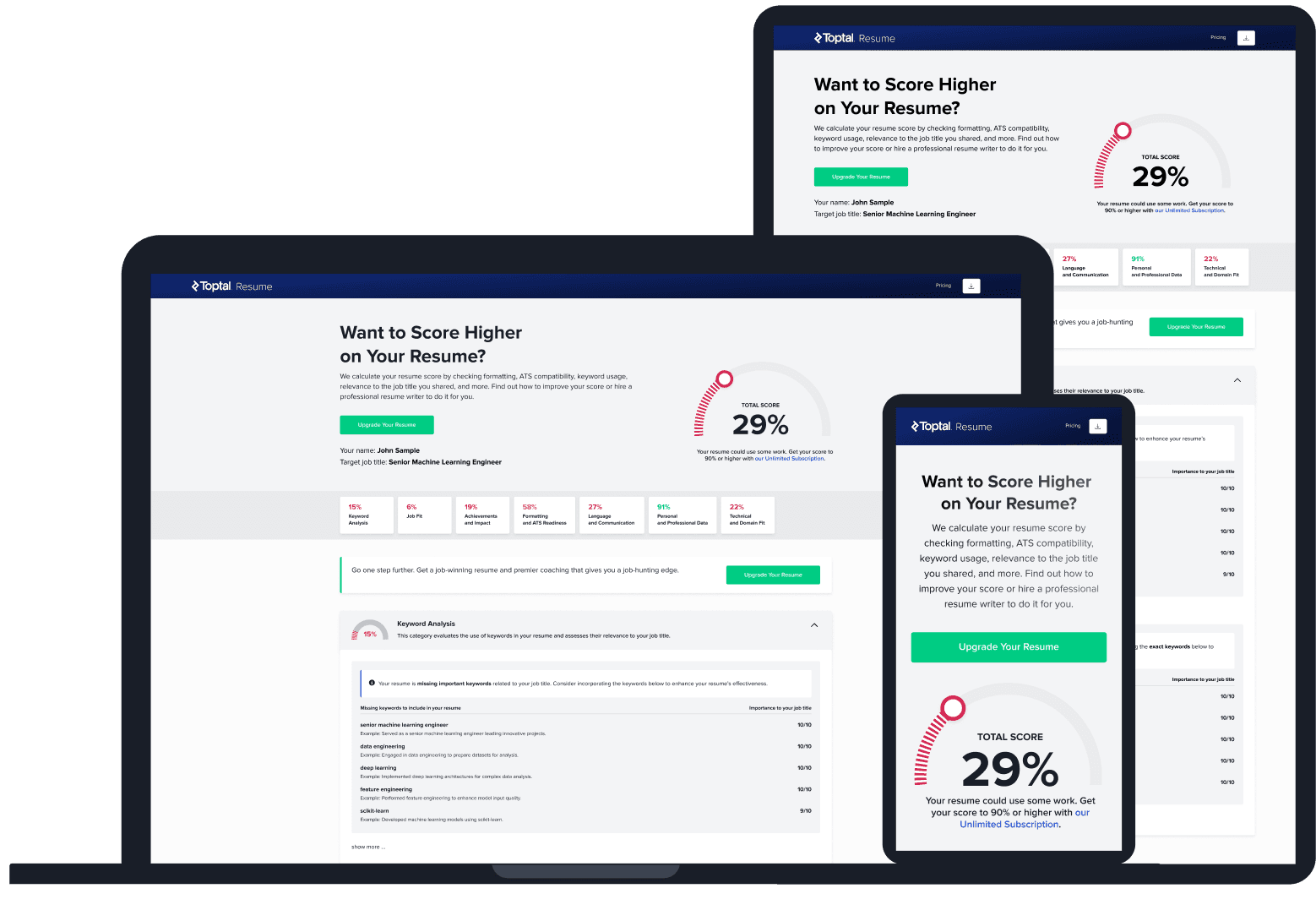
ATS Resume Score Checker
for Professional Roles
Upload your resume and tell us your target job title. Our system will analyze it the way a recruiter and ATS would—scoring it across core hiring dimensions and giving you personalized, role-specific feedback you can implement right away.
Read Next
Resume Tips
Should You Include References on a Resume?
References don’t go on a resume, not even “References available upon request.” Here’s what to do instead and how to prepare a strong reference sheet.

By Borislav Stojkov
Principal Resume Writer
Borislav Stojkov is a Principal Resume Writer at Toptal Resume. His professional track record includes personally reviewing and rewriting more than 2,000 resumes for professionals across industries. In his direct work with clients and the development of AI-based resume-writing services, he focuses on ATS-optimized structure, modern template design, and recruiter-aligned writing and formatting standards.
Resume Tips
How Far Back Should a Resume Go? The 10–15 Year Rule Explained
For most job seekers, a resume should go back 10 years, extended to 15 only when older experience is directly relevant. Here’s how to decide.
By Borislav Stojkov
Principal Resume Writer
Borislav Stojkov is a Principal Resume Writer at Toptal Resume. His professional track record includes personally reviewing and rewriting more than 2,000 resumes for professionals across industries. In his direct work with clients and the development of AI-based resume-writing services, he focuses on ATS-optimized structure, modern template design, and recruiter-aligned writing and formatting standards.
Resume Tips
Cover Letter Format: How to Structure a Professional Cover Letter
A standard cover letter follows a specific section order, with specific rules and recommendations for length, font, margins, and file format that apply to every application.
By Borislav Stojkov
Principal Resume Writer
Borislav Stojkov is a Principal Resume Writer at Toptal Resume. His professional track record includes personally reviewing and rewriting more than 2,000 resumes for professionals across industries. In his direct work with clients and the development of AI-based resume-writing services, he focuses on ATS-optimized structure, modern template design, and recruiter-aligned writing and formatting standards.